
Google Relaunches Flow as a Unified GenAI Production Workspace
Google relaunches Flow as a unified GenAI production workspace. What it unlocks for agencies and brand teams running AI content at scale.
27 February 2026Team COEY
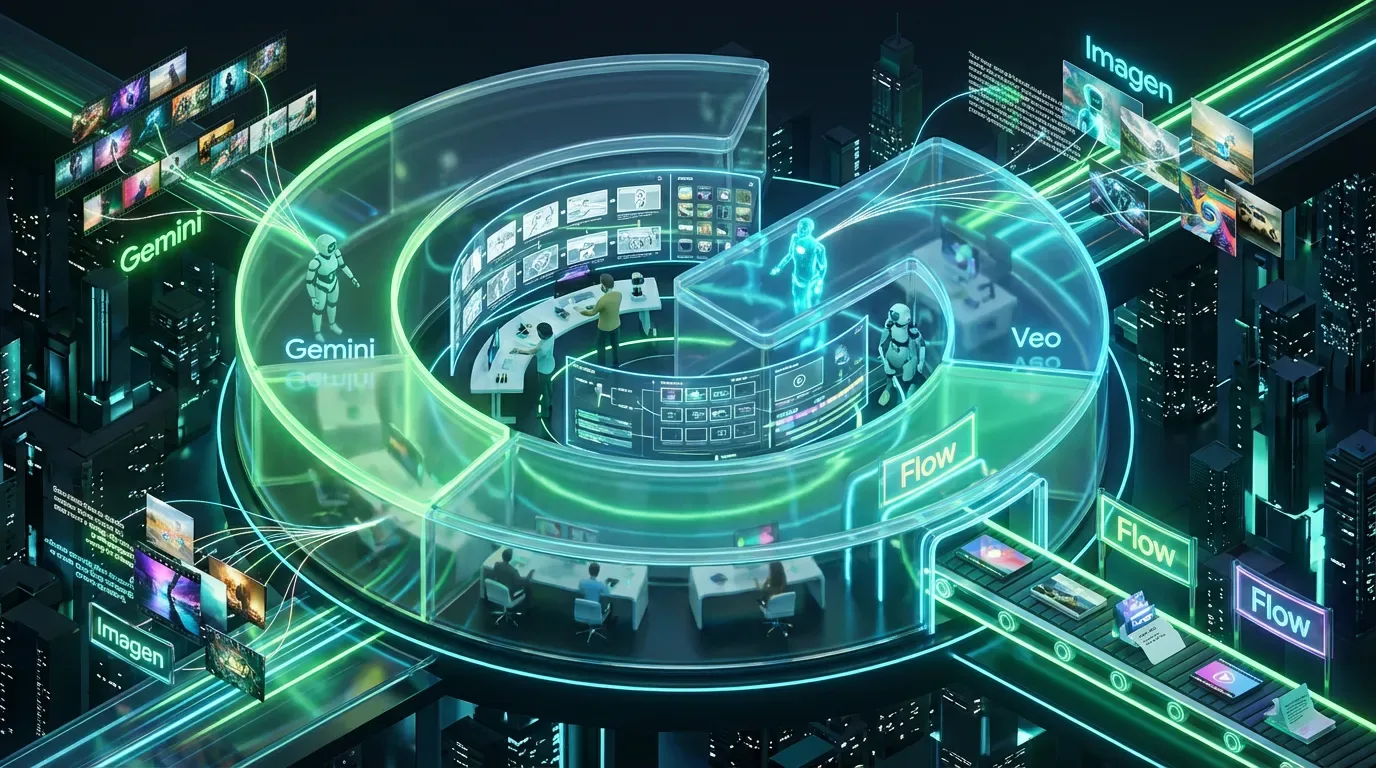
Google is back in its “one tab to rule them all” era, relaunching Flow as a unified generative production workspace that stitches together Gemini for planning, Imagen for stills, and Veo for video. The shift isn’t subtle: Flow is no longer trying to win as “an AI video generator.” It’s trying to become the creative operations layer for teams that want to go from brief to storyboard to assets to edits without exporting half their life to a folder called FINAL_FINAL_v7.
The bigger story isn’t the UI glow-up. It’s the strategic move: Google is packaging multi-model media creation into a continuous workflow surface, and positioning it inside the Google ecosystem where approvals, collaboration, and governance can actually happen at enterprise scale. That’s the difference between “cool demo” and “something marketing ops might tolerate.”
What actually changed in Flow
Google’s own framing is that Flow now functions like a cohesive production desk: you ideate, generate, edit, manage, and iterate in one place instead of bouncing across disconnected tools. The update centers on tighter model integration, improved asset organization (including a unified asset grid and collections), and new editing controls like lasso-based edits and natural-language edits that push Flow closer to a real post-production environment. Google outlined these changes in its update post on The Keyword.
In plain language: Flow is trying to eliminate the “prompting is fun, shipping is pain” gap. If you’ve ever generated 40 clips and then realized you can’t find the one where the product isn’t melting, welcome to why this matters.
| Capability | What it does | Why teams care |
|---|---|---|
| Unified asset grid | Search, filter, and organize generated images and videos into collections | Less chaos, faster iteration, fewer “where is that version?” threads |
| Integrated image generation | Generate stills in-workspace and use them as inputs for video | Better visual consistency across scenes and variants |
| Editing tools | Selective edits (including lasso-style selection and natural-language edits), extend clips, add or remove objects, and direct camera movement | Fewer round-trips to external editors for basic fixes |
The model stack: Gemini plus Imagen plus Veo
Flow’s core pitch is cross-modal continuity: Gemini helps you plan and direct, Imagen generates the still assets (or keyframes), and Veo turns those into motion. Google keeps improving the underlying generative media models in parallel, so Flow benefits as those models level up. For broader context on Google’s generative media direction, see Google’s overview of its media models here.
If you want COEY’s reference pages for the underlying stack, start with VEO 3 T2V to ground what Veo is positioned to do in production contexts.
The practical implication for marketing teams: you can treat creative production more like a modular pipeline. Instead of “one prompt, one output,” you’re moving toward “one campaign concept, many structured derivatives,” with the system helping maintain continuity across formats.
Reality check: The output can be stunning, but production readiness is less about peak-quality renders and more about repeatability: consistent characters, brand-safe visuals, predictable controls, and a workflow where humans can approve and adjust without burning cycles.
Why this matters for automation
Flow’s relaunch is a bet that the next competitive edge in creative isn’t just better generation, it’s better orchestration. Teams don’t lose time because AI can’t make a clip. They lose time because everything around the clip is manual: versioning, routing, approvals, formatting, storing, and spinning variants.
A unified workspace makes it easier to operationalize the “human plus machine” loop:
Humans set intent (brief, product truth, brand guardrails, creative direction).
Machines generate options (volume, variation, speed).
Humans curate and correct (taste, legality, accuracy, positioning).
Machines re-render at scale (variants, aspect ratios, localization passes).
This is the mission-aligned part: Flow isn’t trying to replace a creative team. It’s trying to compress the grind around them.
APIs and integration reality (so far)
Here’s where we have to be annoyingly pragmatic: Flow is clearly designed to be workflow-native, but a dedicated, publicly documented Flow API is not clearly established as of this relaunch. What is documented is that Flow is available to Google Workspace customers as an additional Google service with granular admin controls. That rollout is documented on Google Workspace Updates.
For automation-minded teams, that creates a split-screen reality:
What’s real today: You can operationalize Flow inside team processes (shared workspaces, standardized prompting, internal review loops, asset organization). If you already live in Google land, this is immediately workable.
What’s not fully proven yet: A clean, publicly documented Flow API that supports reliable batch generation, programmatic project creation, webhook-based routing, or governance logs you can plug into broader martech stacks.
Translation: Flow looks integration-shaped, but if your strategy depends on API-driven creative factories, treat this as a platform to pilot and monitor, not yet the guaranteed backbone for fully automated pipelines.
Subscription gating and who gets value
Access is tied to Google’s AI subscription tiers, AI Pro and AI Ultra, which essentially means Flow’s most serious usage is aimed at people willing to pay for scale. Public pricing cited around these tiers is commonly $19.99/month for Google AI Pro and $249.99/month for Google AI Ultra (pricing can vary by region and by whether it is a consumer plan vs a Workspace add-on). Google’s Flow messaging also emphasizes that tiers differ by usage limits and included capabilities rather than a simple on or off switch.
Google has also highlighted feature expansion including adding speech to videos in its post about Flow expanding and adding speech.
For executives and marketing leaders, the question isn’t “is it expensive?” It’s “is it cheaper than your current production bottleneck?” If Flow replaces even a portion of concepting, storyboarding, and first-draft editing labor, especially for high-volume ad variant production, the ROI conversation gets real fast.
Workflow implications: speed, versioning, and collaboration
Flow’s most immediate impact is cycle time. The teams that win with this won’t be the ones making one gorgeous hero film (you can already do that with traditional tools). The winners will be the teams making 50 to 500 on-brand variants per month without melting their creative department.
Velocity without losing taste
The promise is faster draft-to-decision: generate options, shuffle sequences, tweak shots, re-run parts, keep the context. In practice, this is how you turn creative direction into a repeatable system rather than a once-a-quarter miracle.
Collaboration that doesn’t require exporting
If Flow is used as intended, stakeholders can review inside the workspace instead of turning Slack into a file-sharing graveyard. That matters because feedback latency is often the real killer, not render time.
Asset lineage becomes a feature
When your team is generating at scale, you need to know what came from where: which prompt, which source still, which clip extension, which edit. Flow’s push toward structured asset organization is a quiet but serious step toward production-grade repeatability.
Snarky but true: The future isn’t “AI makes ads.” The future is “AI makes drafts, and humans pick the winners.” The brands that build systems for that loop will out-ship everyone still debating whether prompts are “real creative work.”
What to watch next
The next phase for Flow isn’t more magic, it’s more plumbing. If Google wants Flow to become the workspace for creative ops, a few things will determine whether it graduates from “exciting” to “embedded”:
Clear API surfaces for programmatic generation, project management, and asset export into DAM and CMS systems.
Admin plus governance depth (permissions, audit logs, brand safety controls, usage analytics).
Workflow integrations that match how marketing actually works: briefs in, approvals, distribution to channels, performance feedback loops.
Right now, Flow looks like a serious step toward a unified genAI production environment, one that finally acknowledges the unsexy truth: the bottleneck isn’t creativity, it’s throughput. If Google keeps pushing Flow toward real automation hooks and predictable enterprise controls, it could become less of a tool you try and more of a surface you run creative through.
For senior marketing leaders evaluating the broader shift, our Executive AI Accelerator is a confidential top-to-top engagement. For a structured blueprint, read How to Build an AI Content System.