


Client cutdowns at volume
>
One shoot, 30 cutsClients stay separated
The ultimate AI companion for creators on macOS
Point it at your footage. It indexes every frame, face, word and place on your Mac, then hands the library to your AI assistant as a backend that cuts the video.
AirDrop it to your Mac, or send it to yourself or a friend. Open it on a Mac and the download starts.
It finds the footage, cuts it, mixes it, creates graphics, generates what is missing, and produces finished videos.
or any MCP agent, including local ones
Drive it from a cloud assistant like Claude or ChatGPT, or from a local model that never phones anywhere. Same library either way.
 GroundSlate
AI analyze, render and output video locally with your own footage.
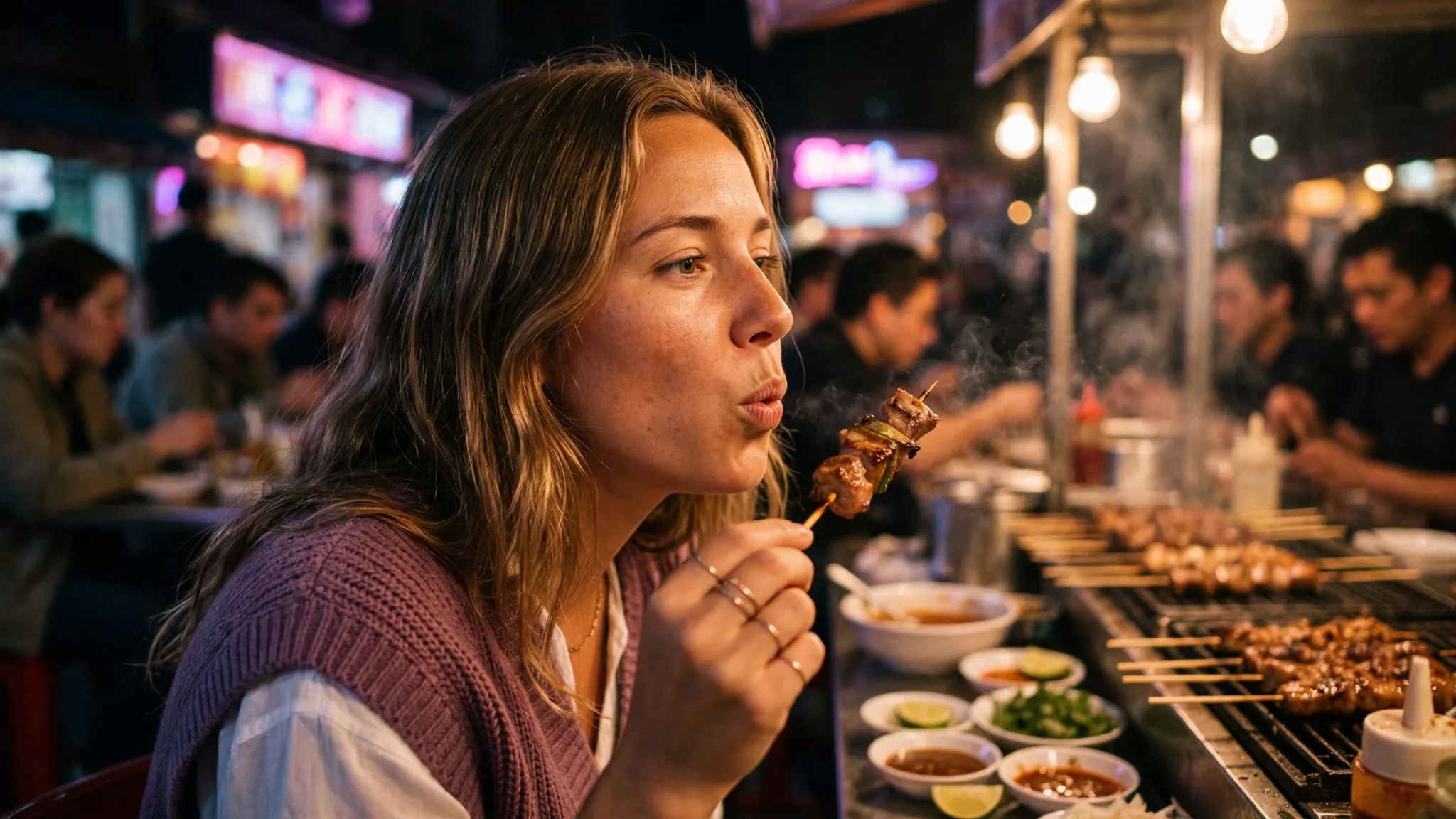
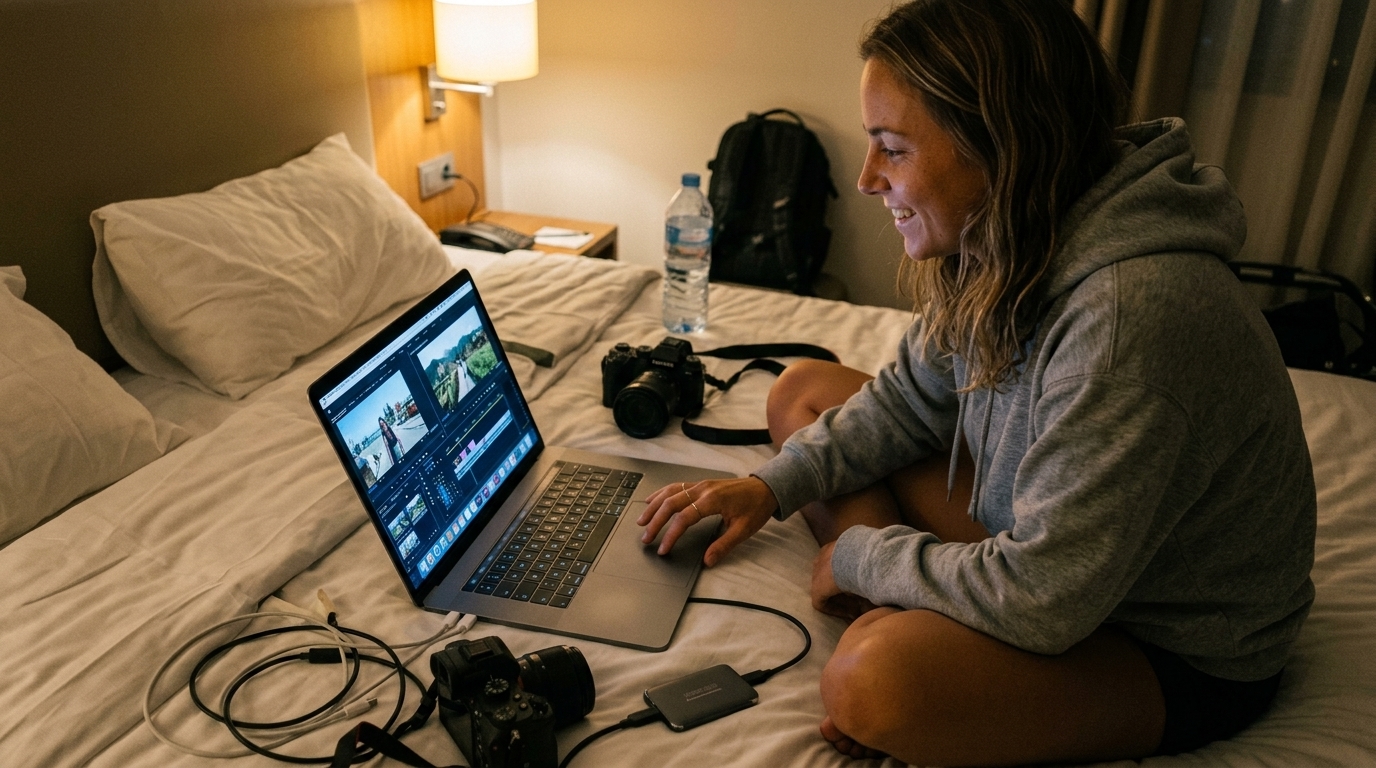
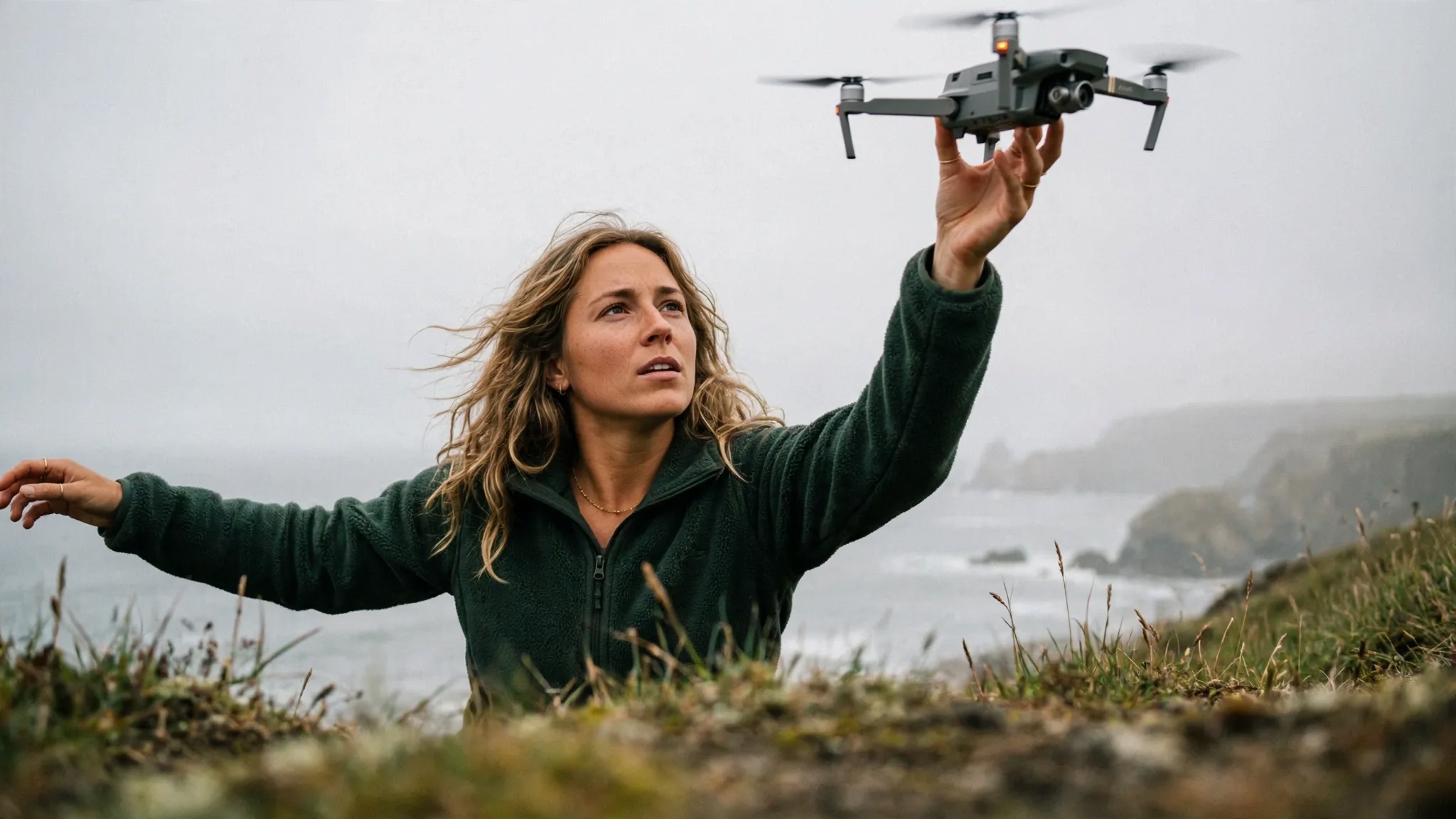
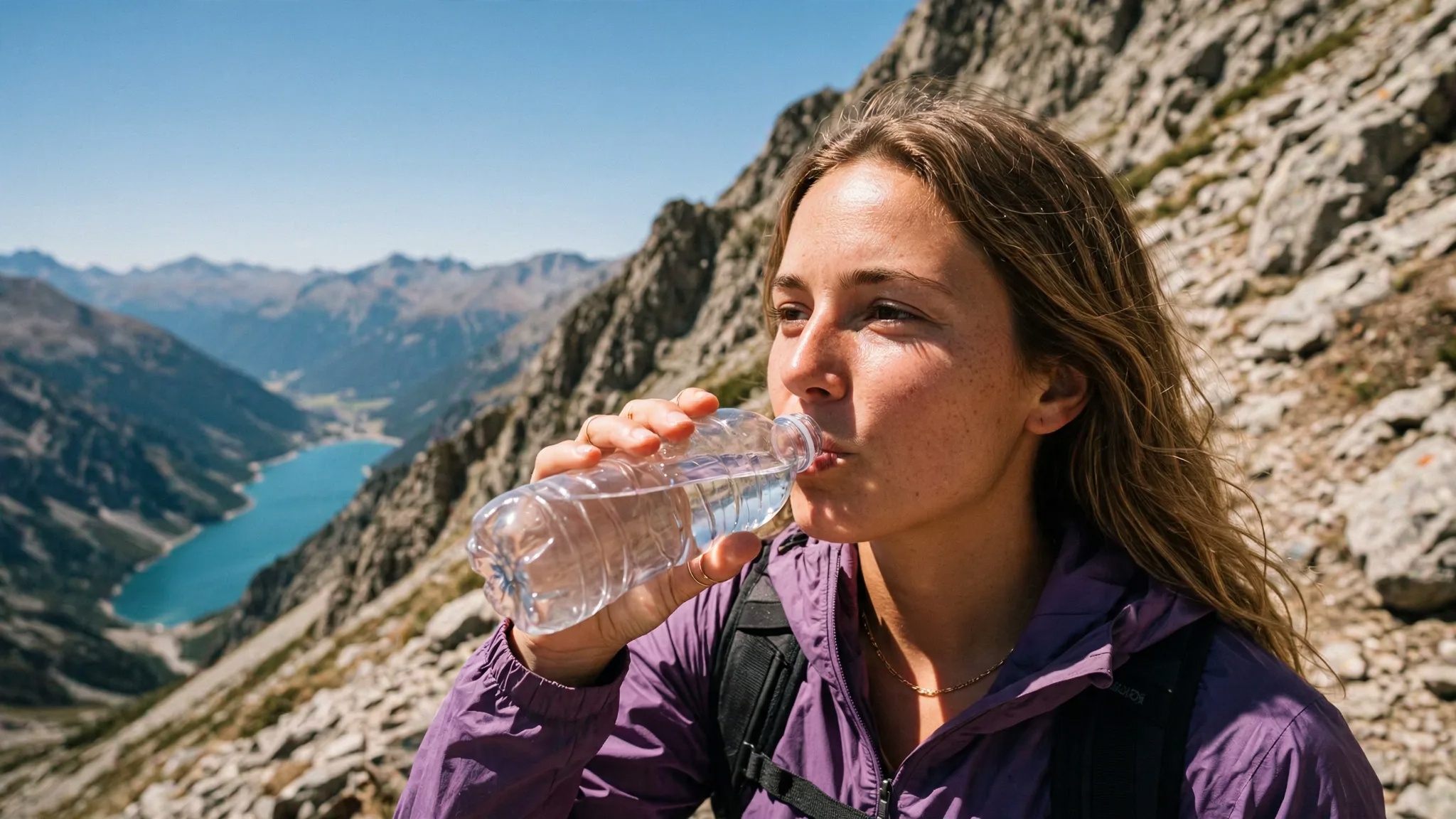
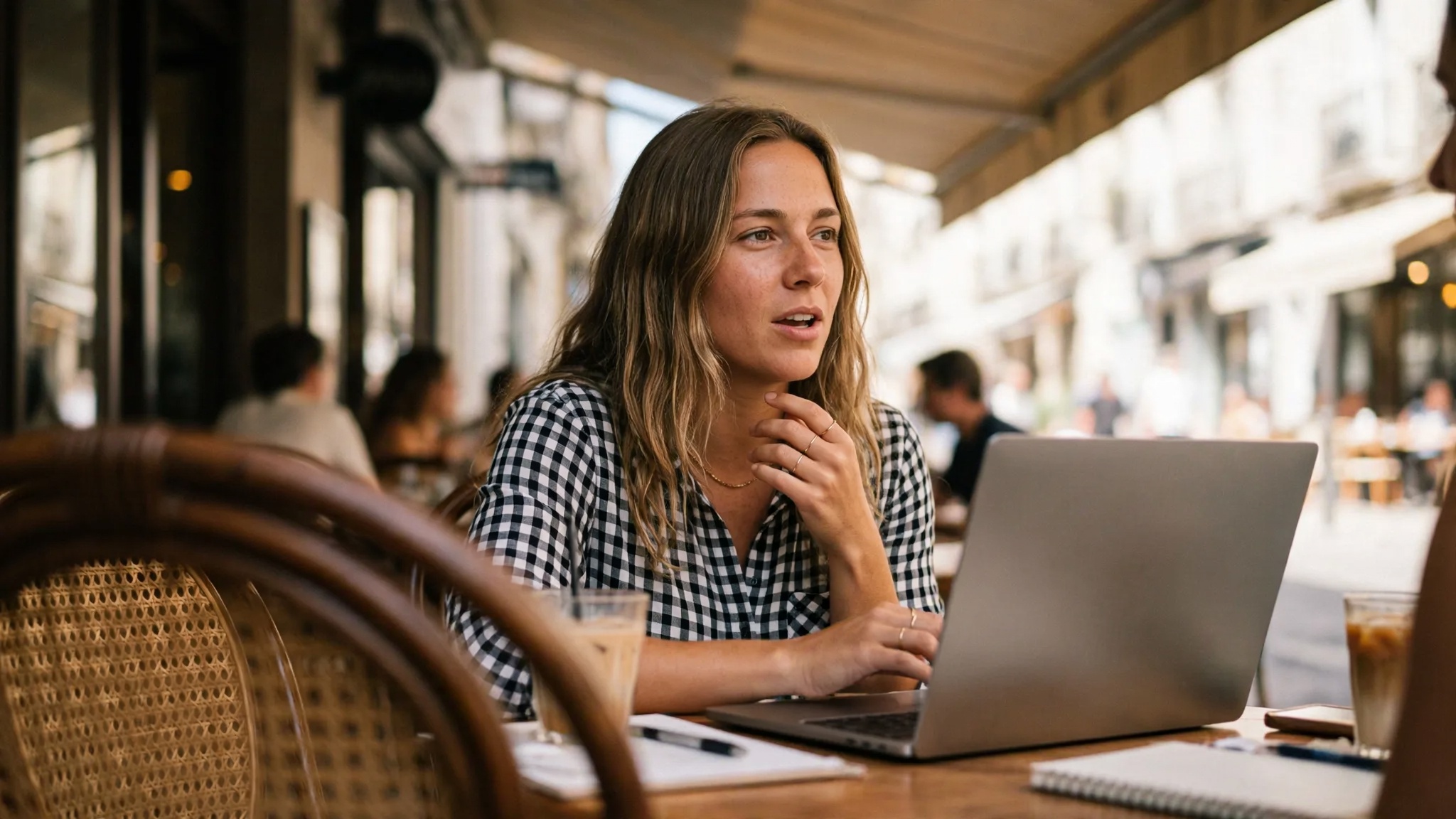
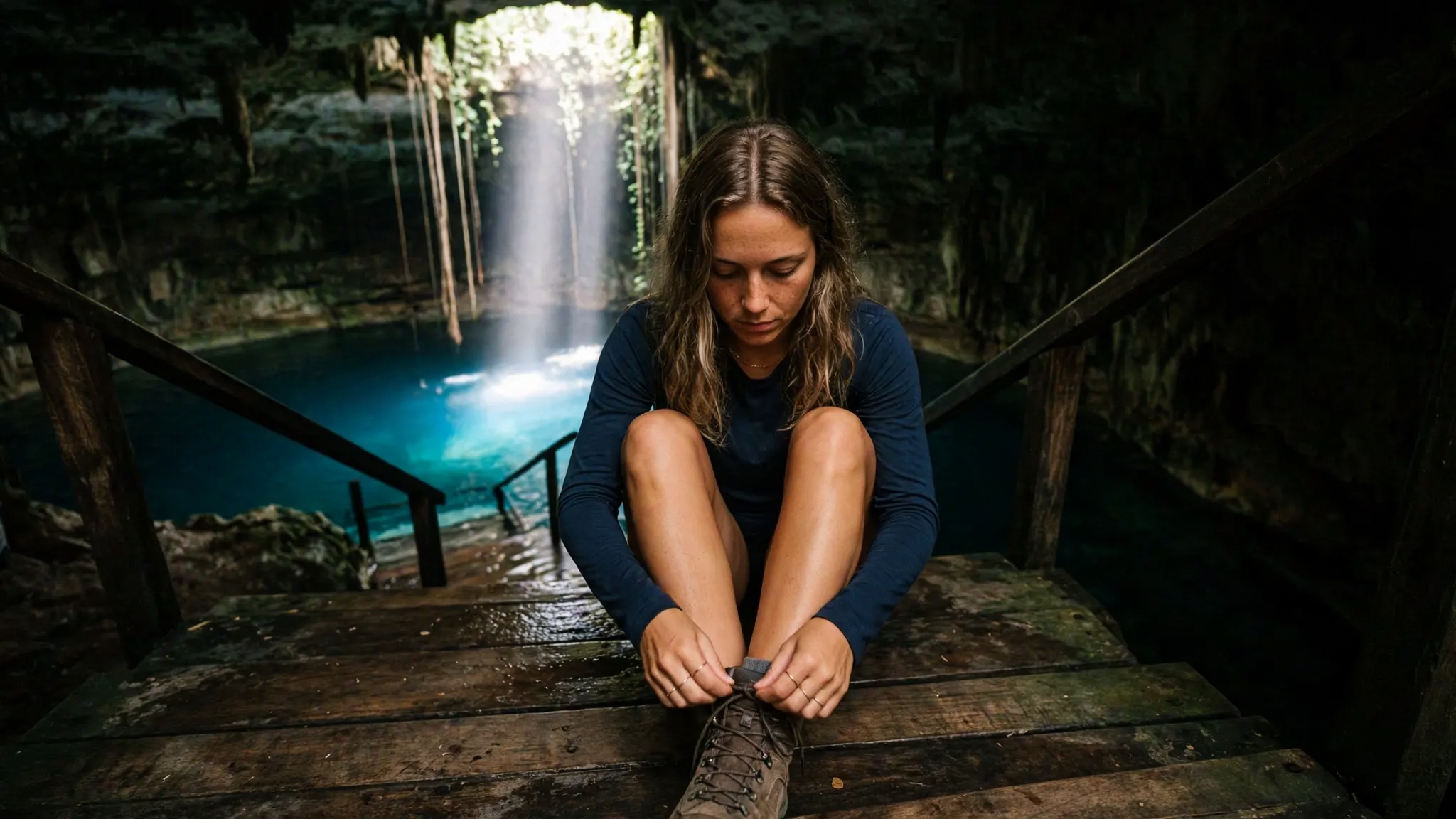
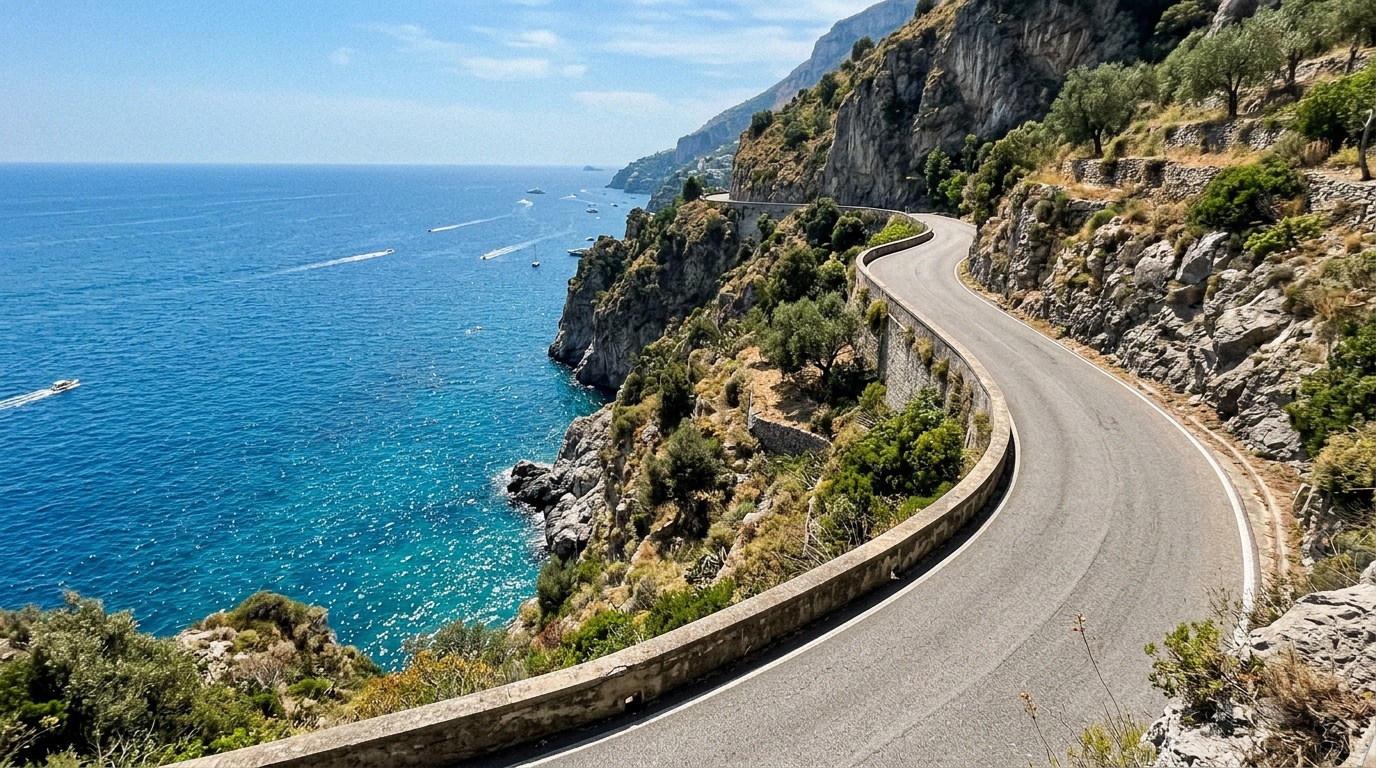
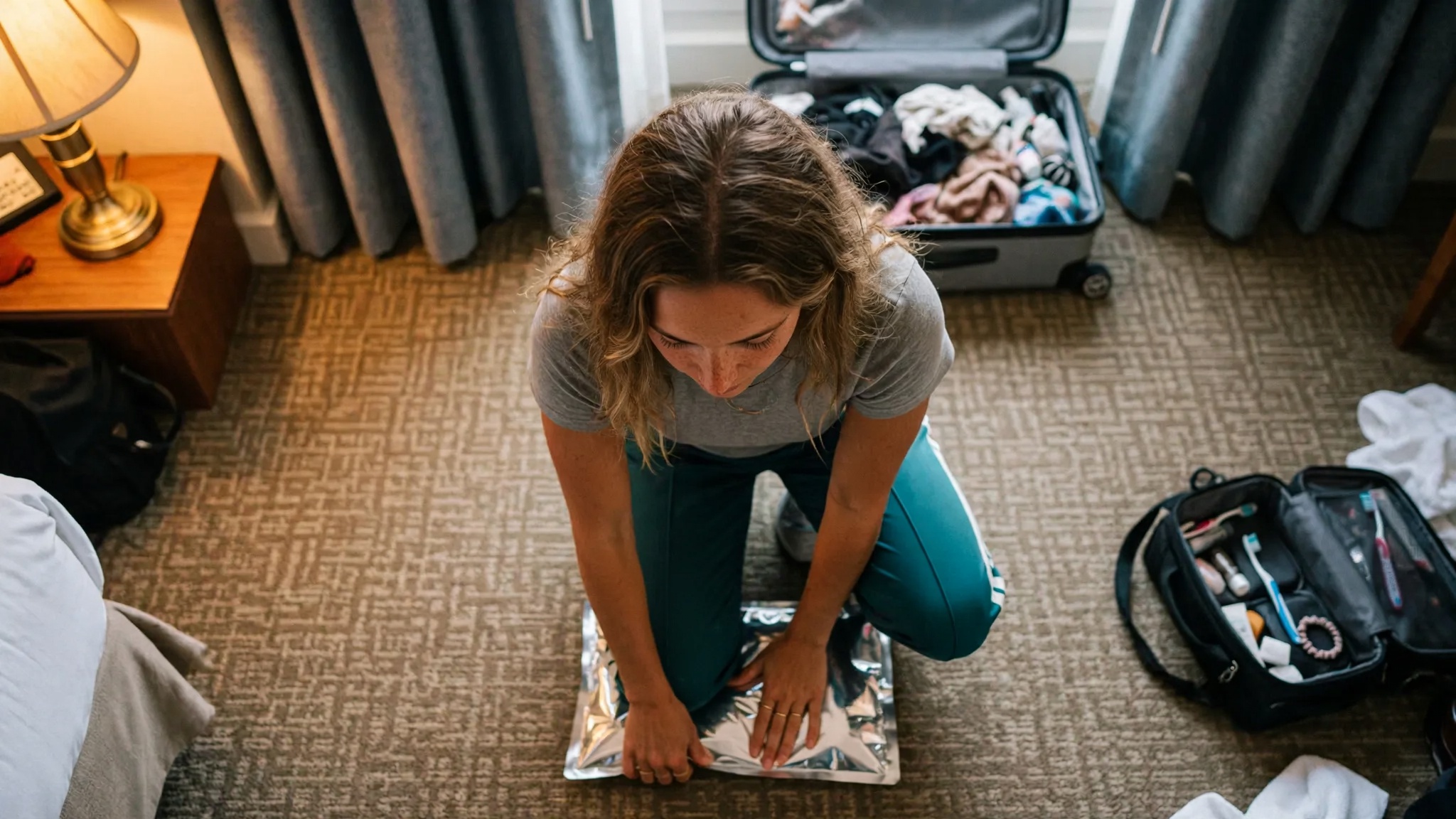
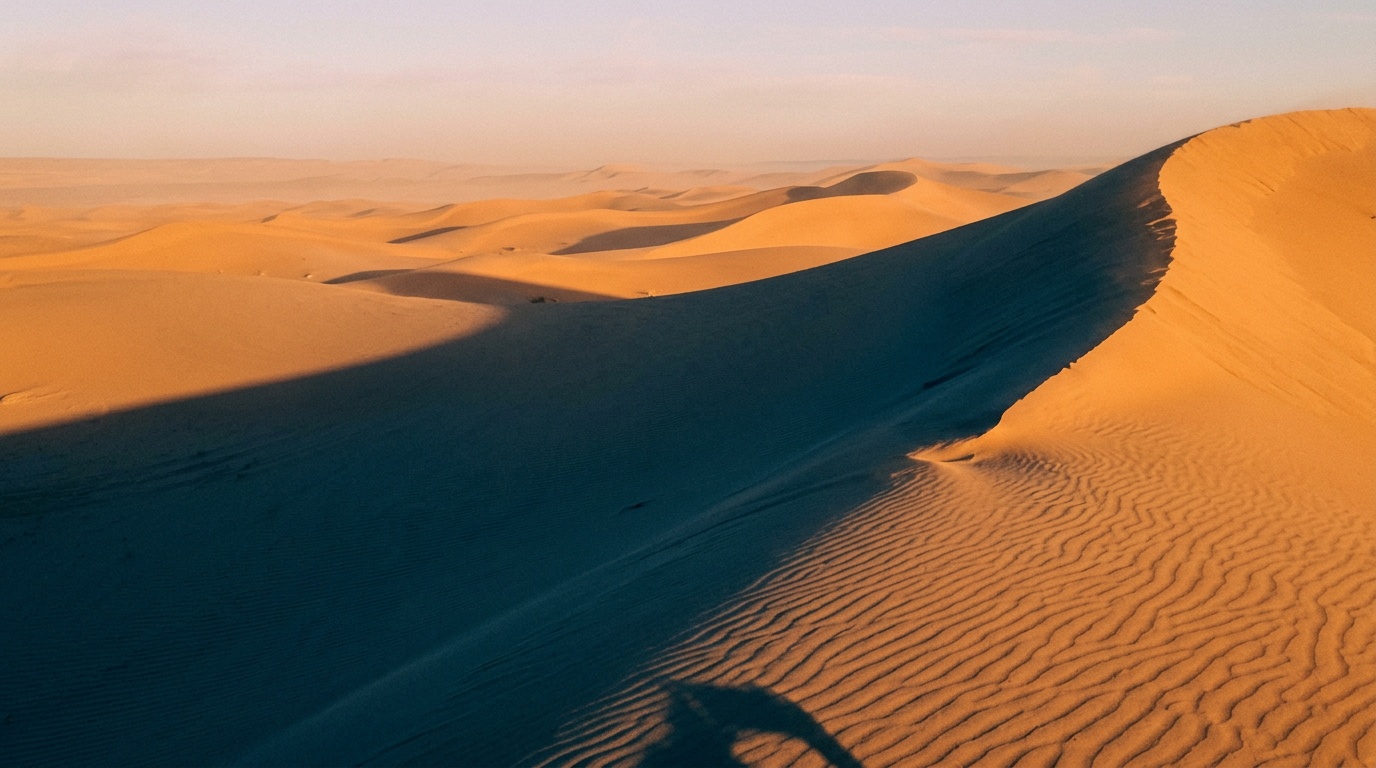
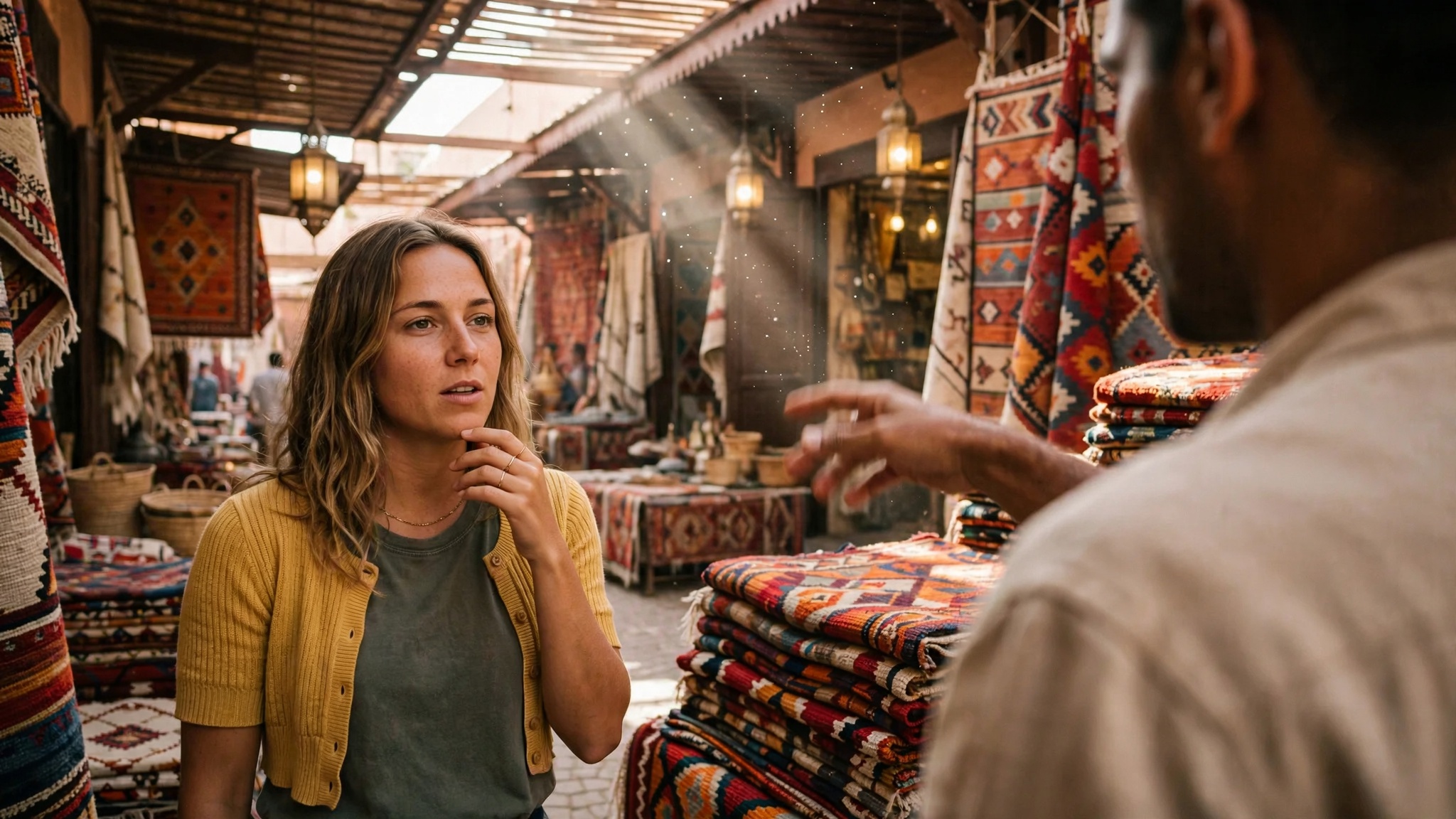
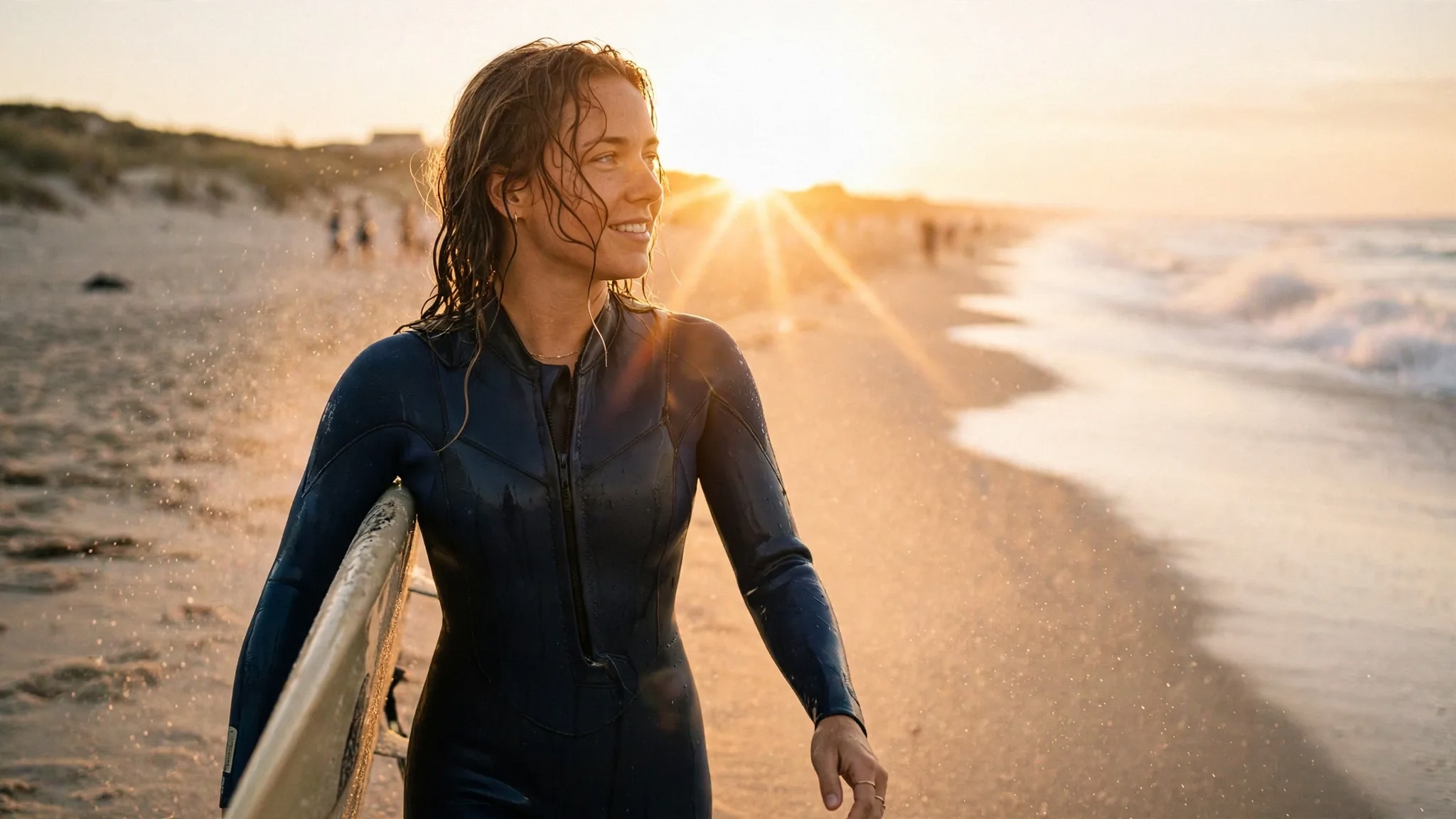
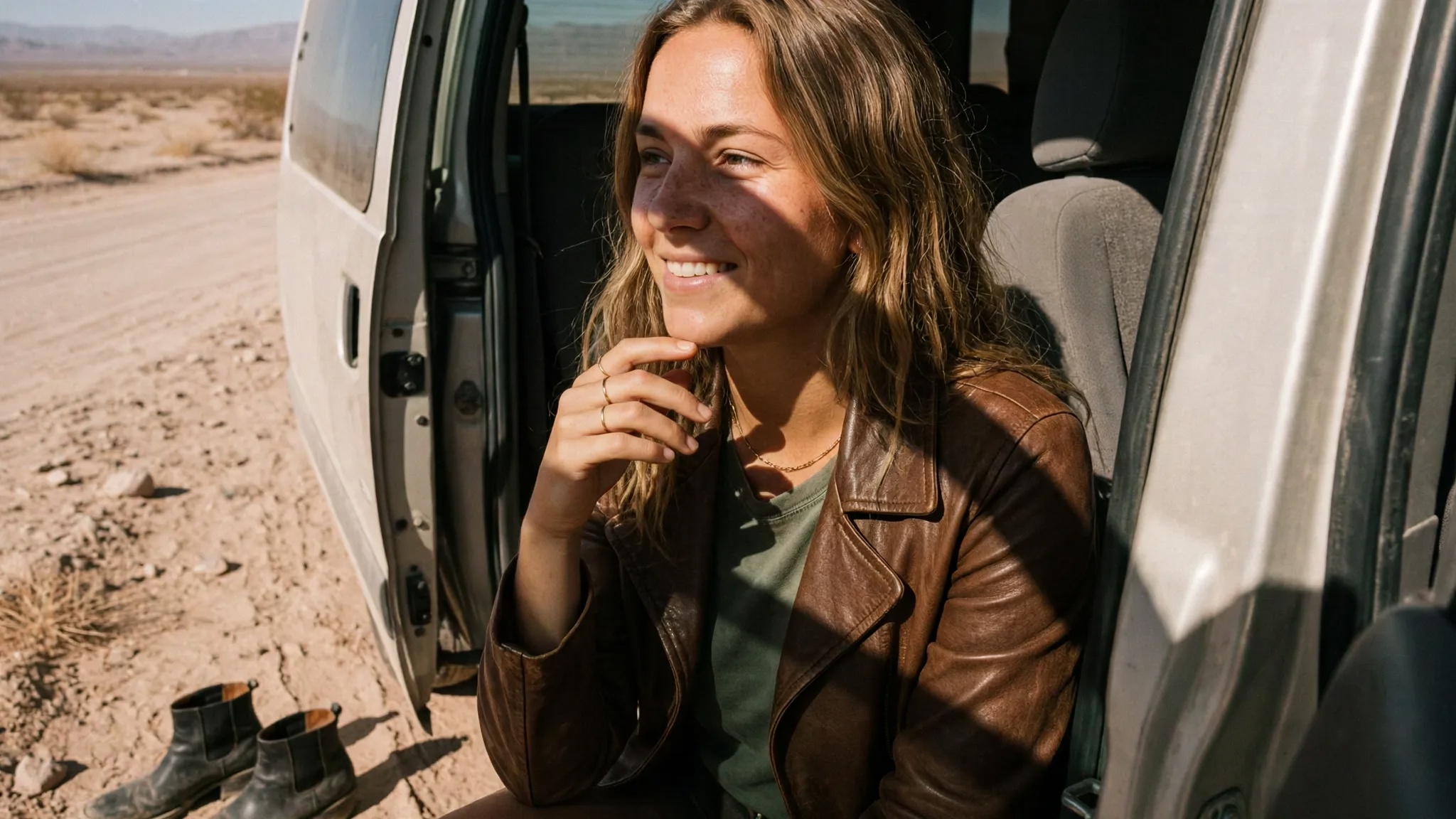
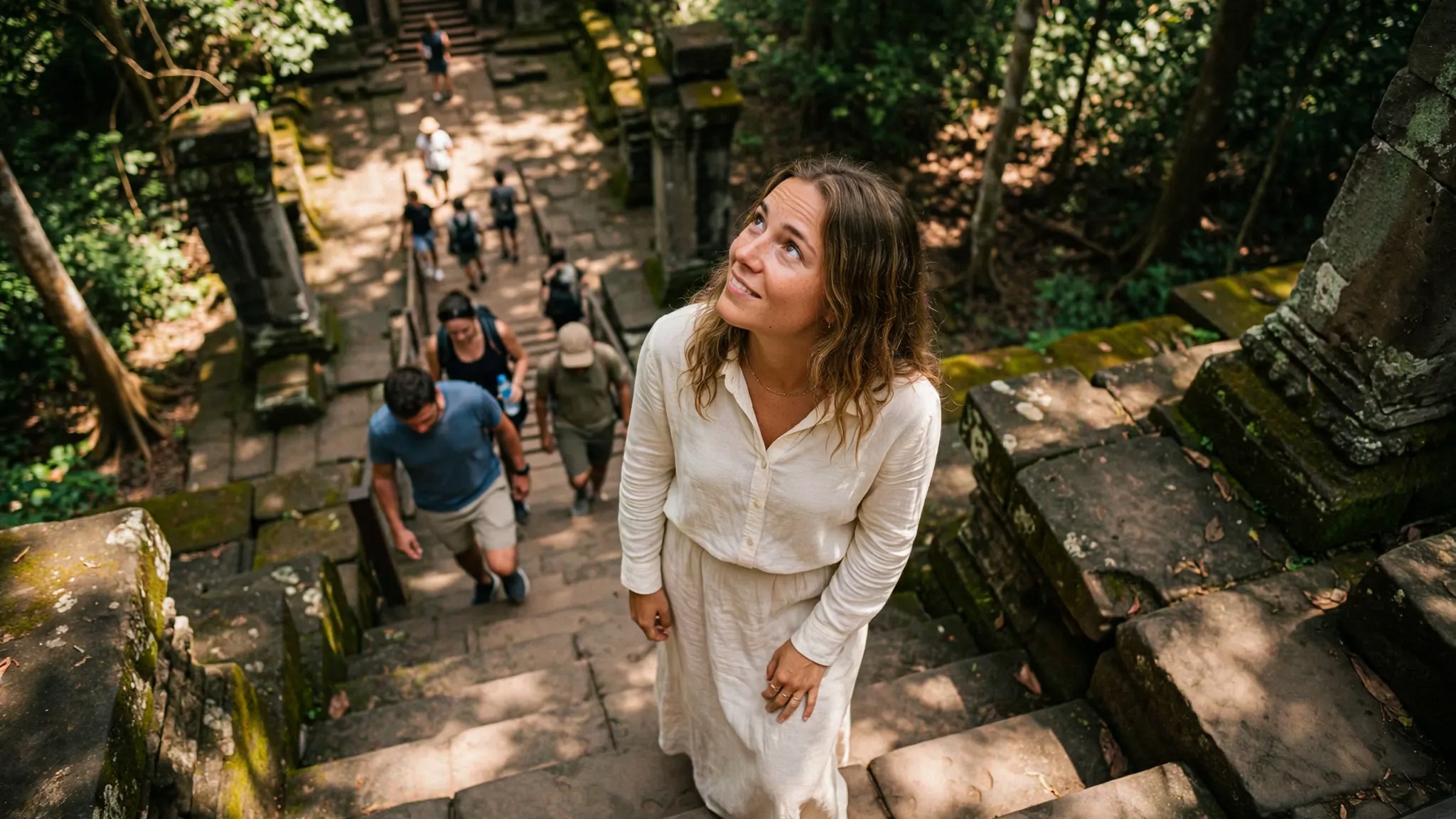

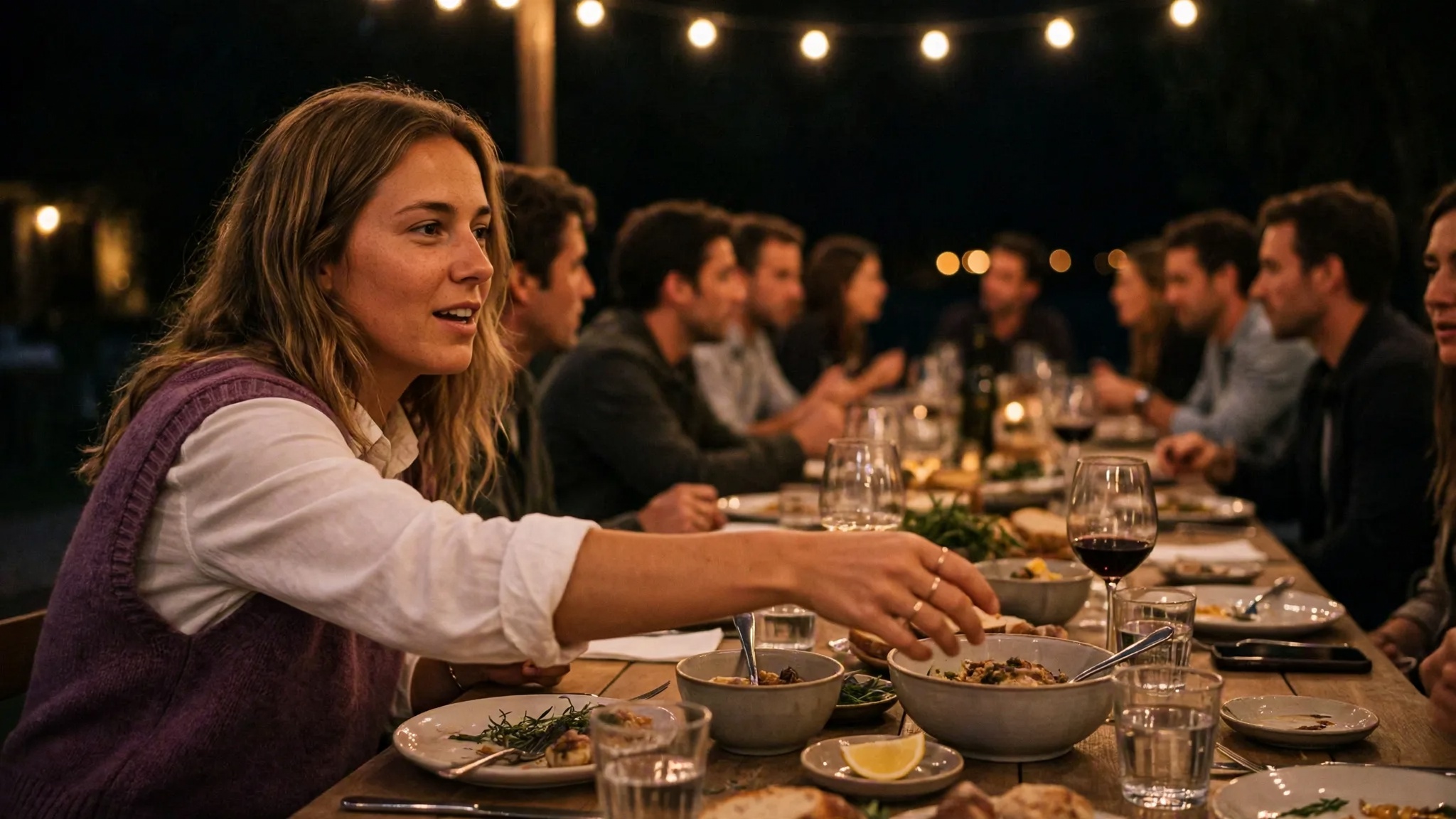
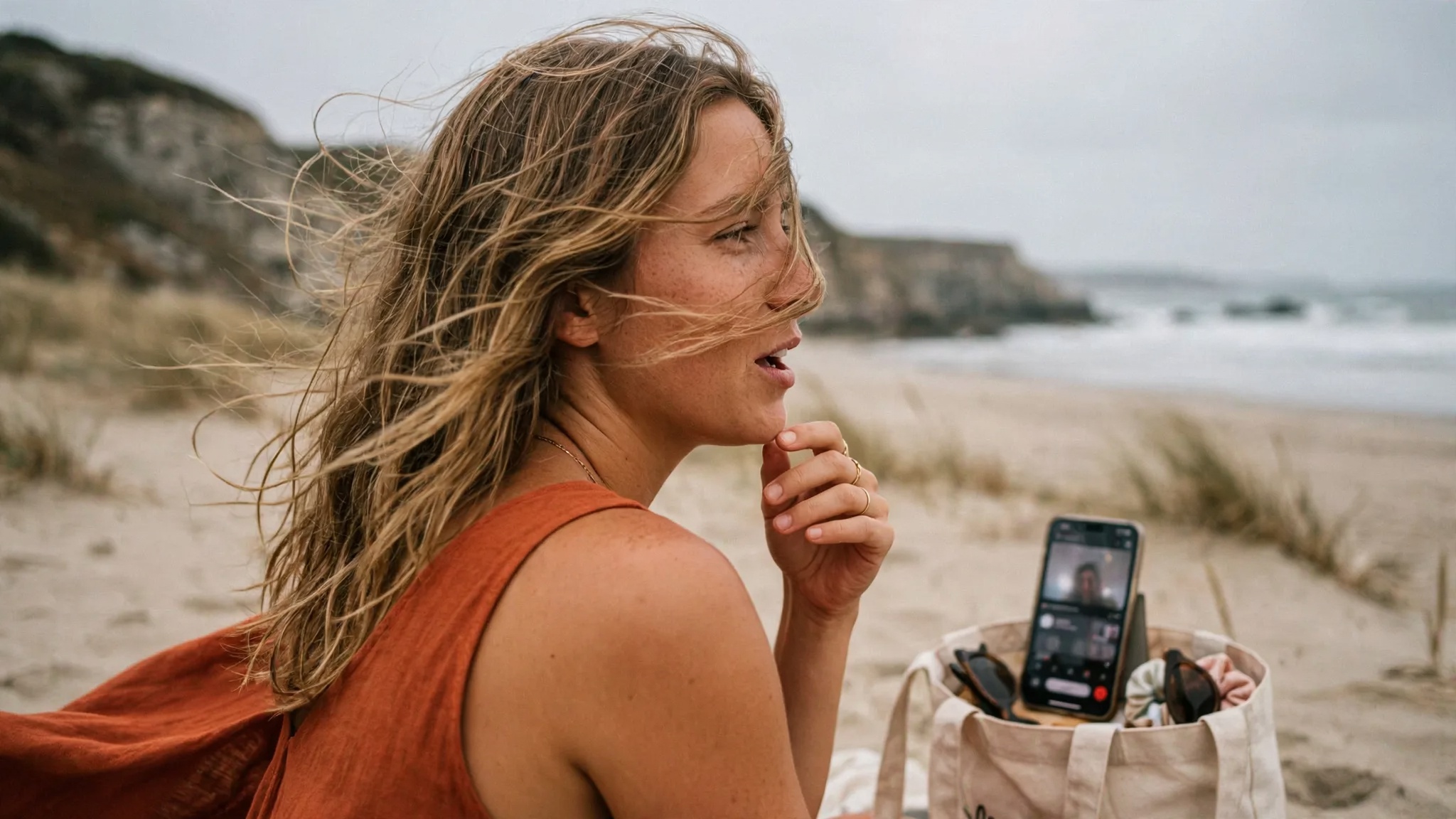
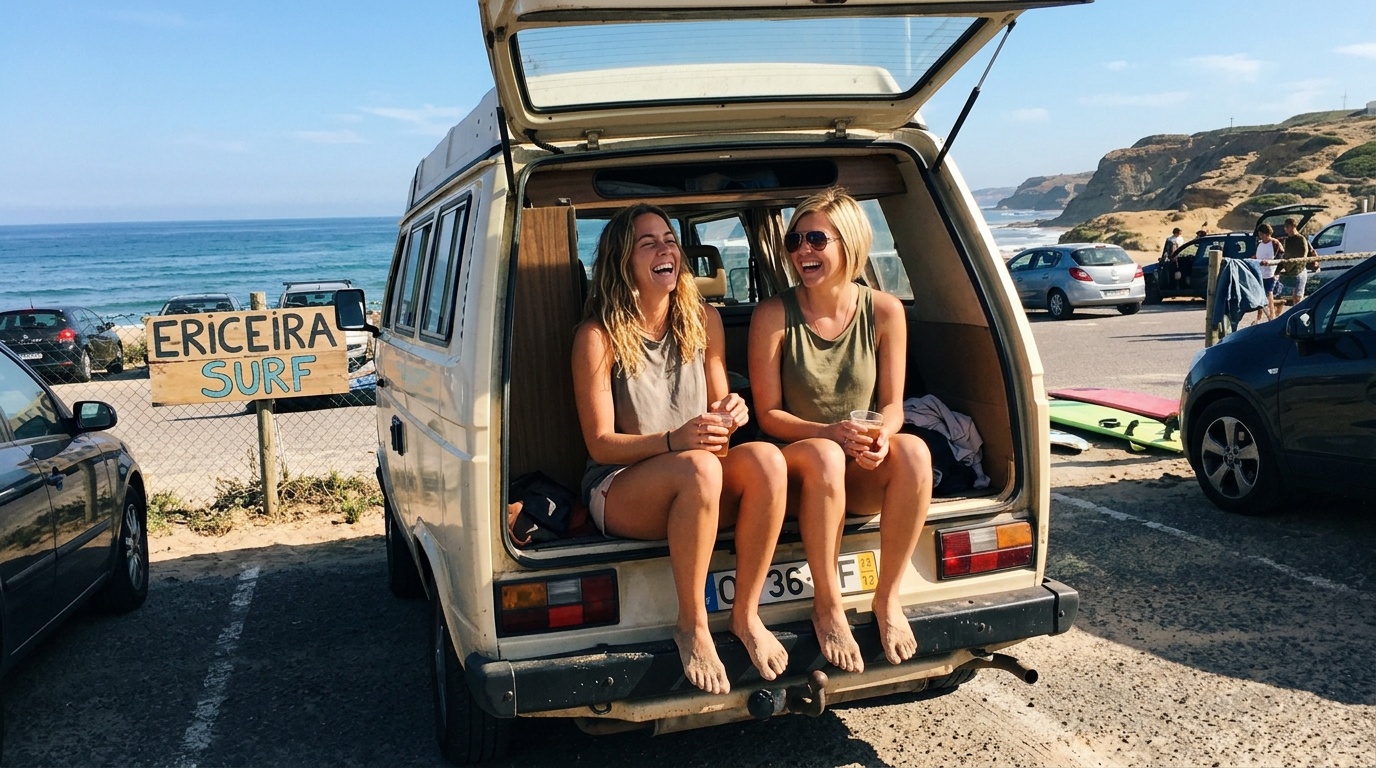
Your assistant drives it, but the library is yours to open. Everything it indexes is here to inspect, correct and cut from.
You decide what your AI is allowed to know.
GroundSlate does the work. Your AI app is where you ask for it. Pick the ones you use and it wires itself in.
You can change this any time in Data, under Security, and each profile has its own setting.
Connect the one you already use. This is what it can do the moment you do.
Enrich your metadata for video, photos, and audio.
Face detection, scene description, text, and transcription all with open source local models that run on your Mac. Powered by Google Gemma and other AI tools or bring your own model for vision and reasoning through Ollama.


 text block 70%▮▮▮▮▮▮▮▮ ▮▮▮▮ ocrcamper van 68%Mila Reyes 71%Zoe Reyes 71%surfboardoceanvision passstandby0/6 objects
Long recordings can be indexed at all
Most tools cap you at a clip length. This takes a two hour recording whole, and a reprocess lets you choose standard, detailed or maximum sampling.
Find the shot on old drives
Index a drive once and everything on it stays searchable by thumbnail and metadata with the drive sitting on a shelf. Plug it back in when you want to make something with it. Your media never moves, and watch folders keep indexing in the background.
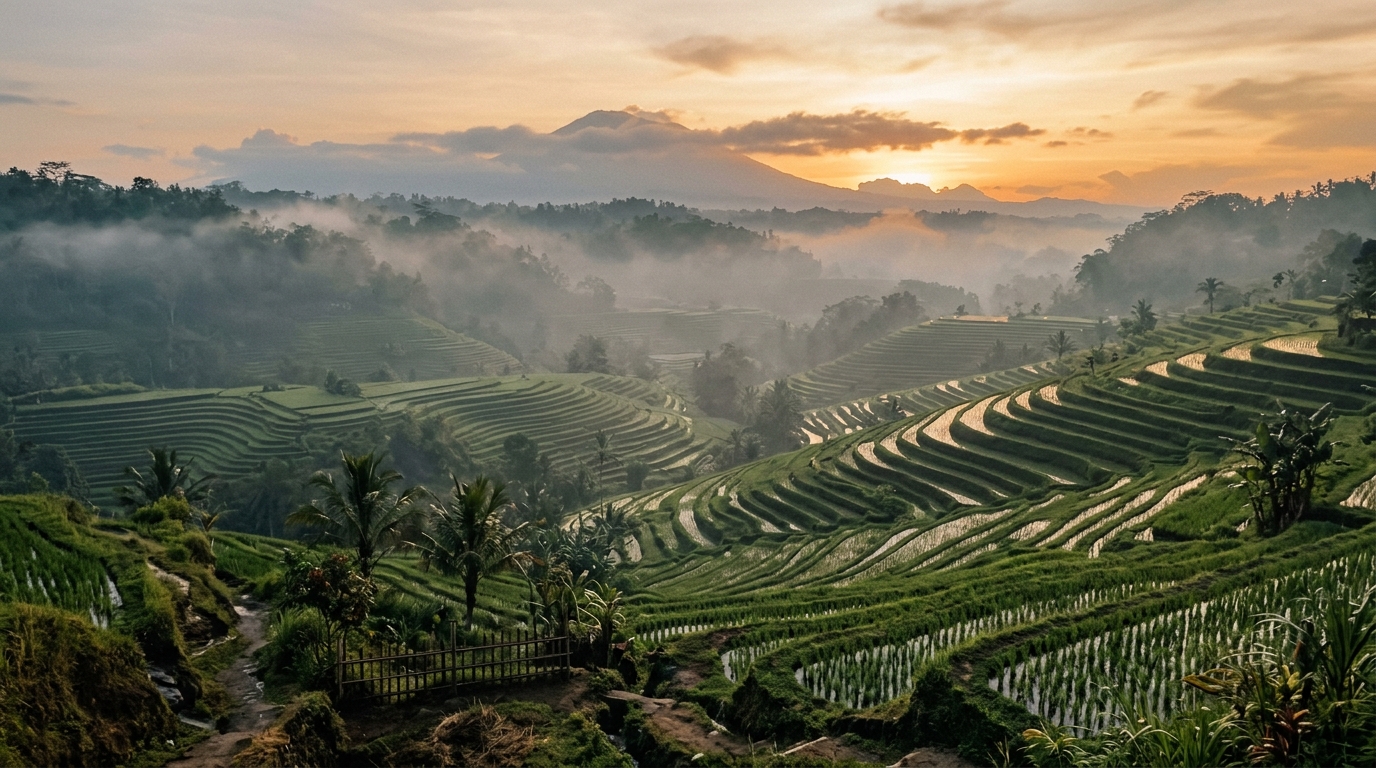
DolomitesLisbonTulumAmalfi CoastBangkokUbudLauterbrunnenOsakaBroadcast titles, generated
Lower thirds, location banners and callouts that animate in your own typeface and render identically every time.
 Use Claude Design together with GroundSlate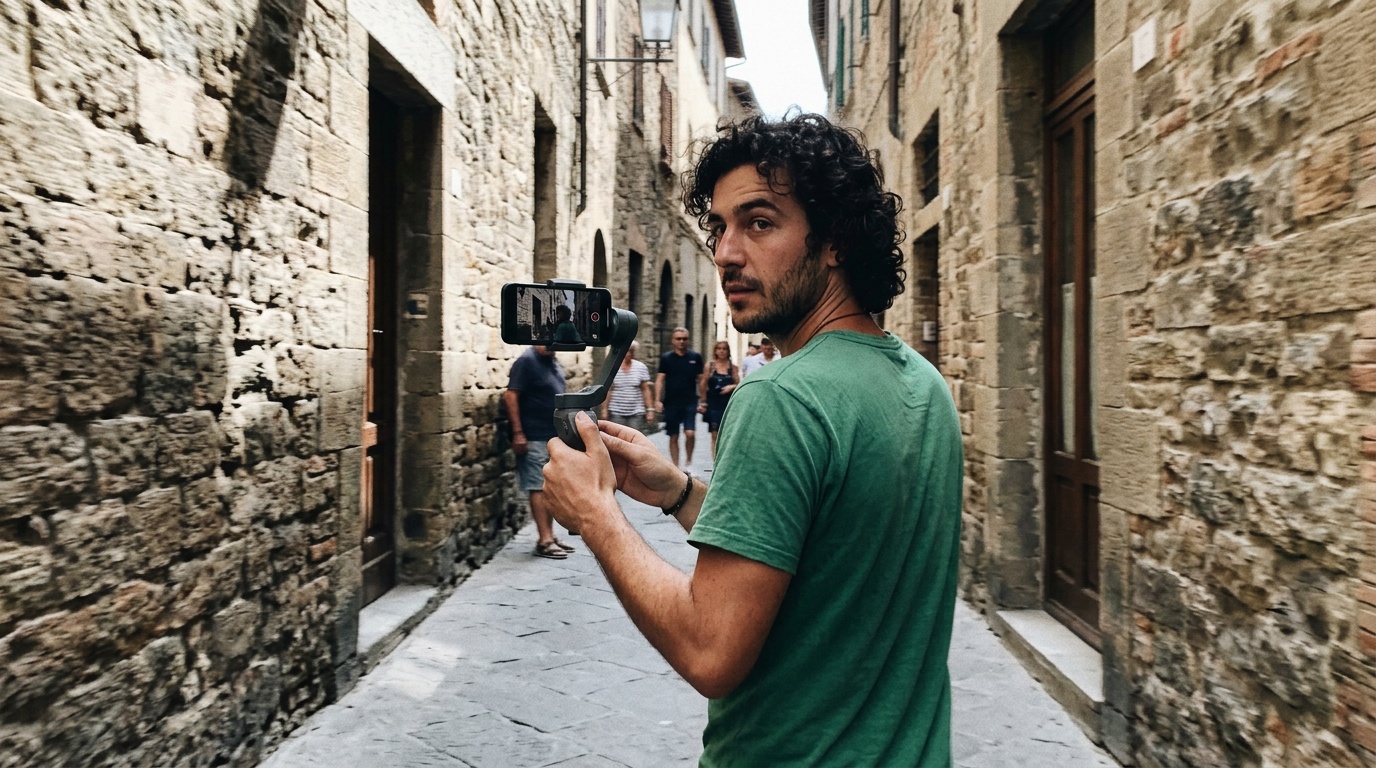
Renders run through hardware acceleration on your Mac Silicon
Every asset runs on your own tools and pipeline. A graphics render that takes 42 seconds in a cloud sandbox finishes in 8 here, and the gap compounds with every video.
Save up to 43x on AI cloud tokens per clip
Indexed once on your Mac, a clip answers from 511 tokens of text instead of the 22,128 it costs for a cloud AI to sample, and the text carries the speech, which frames cannot.
Cuts that understand the room
A map of how everyone connects, so titles and summaries describe people by who they are to each other.
 Rosa
Rosa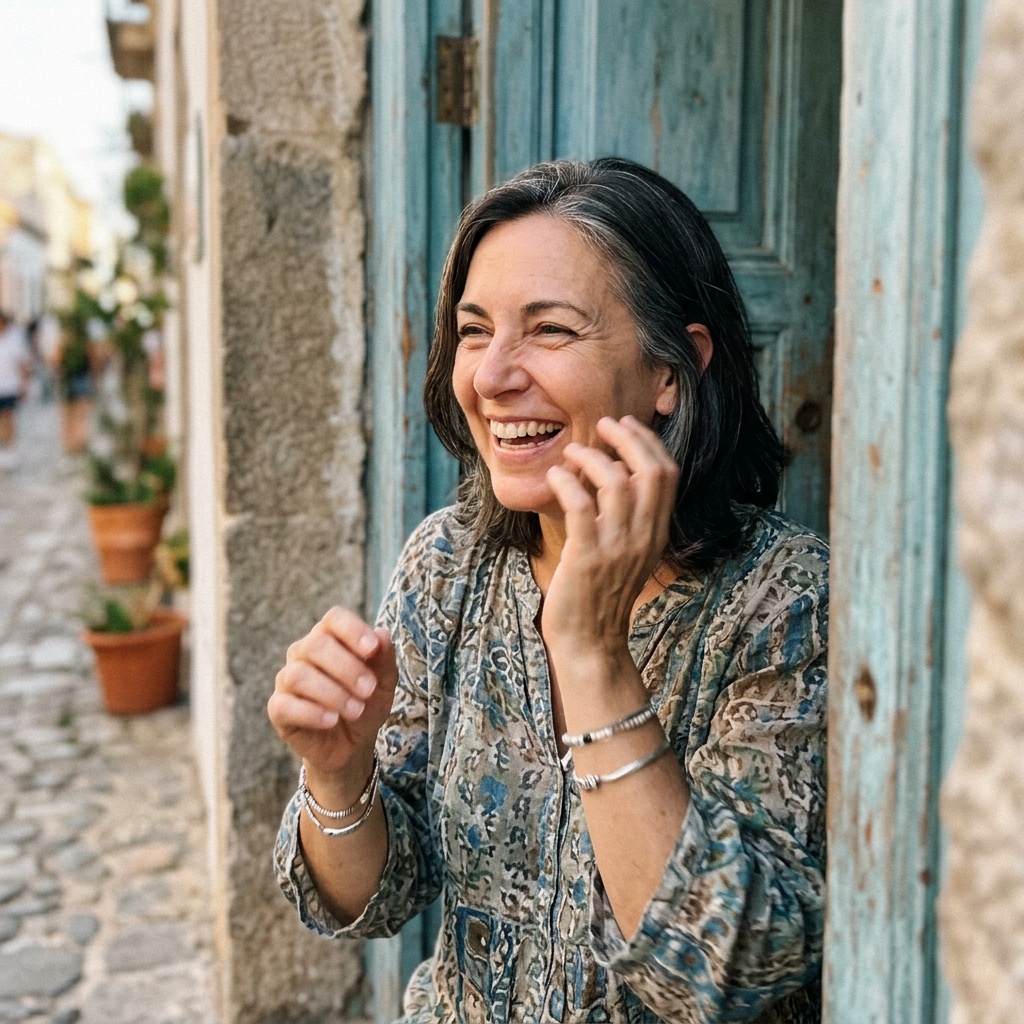 Carmen
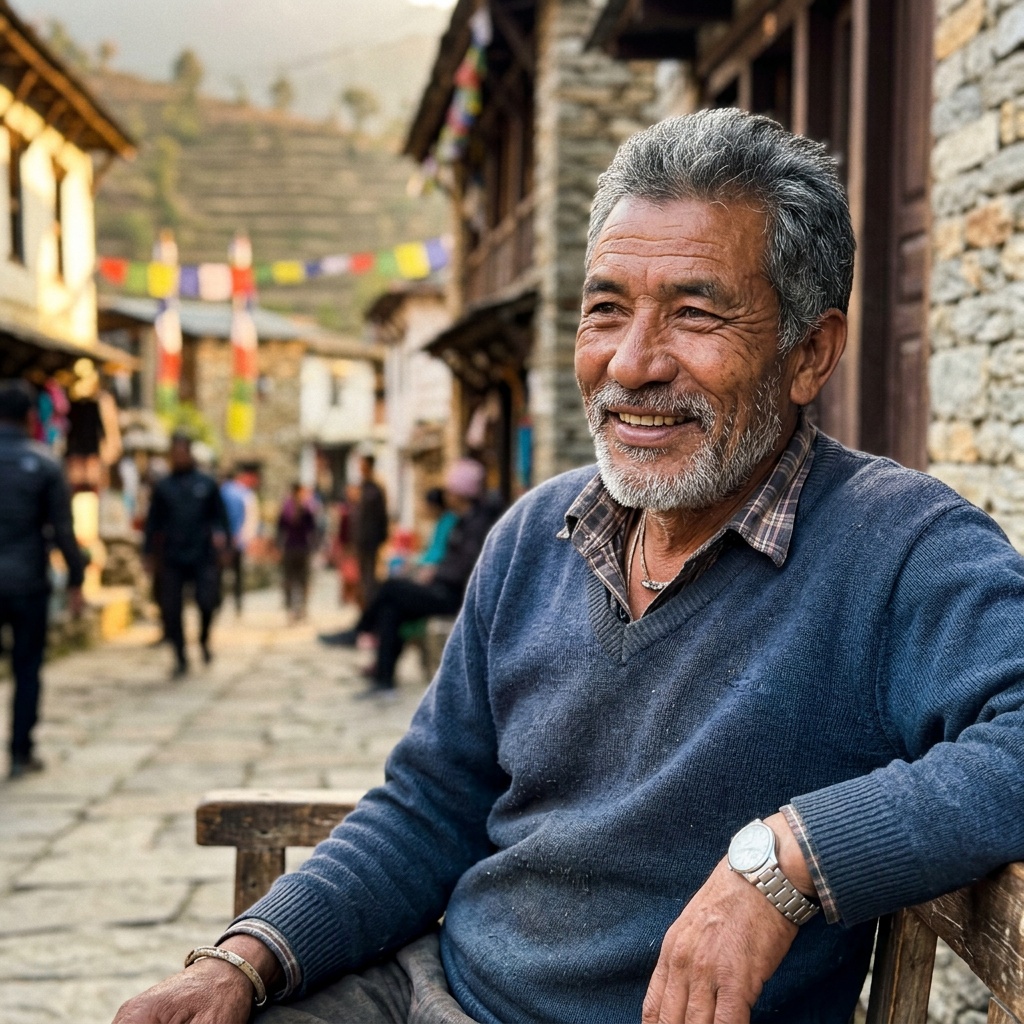 Hector
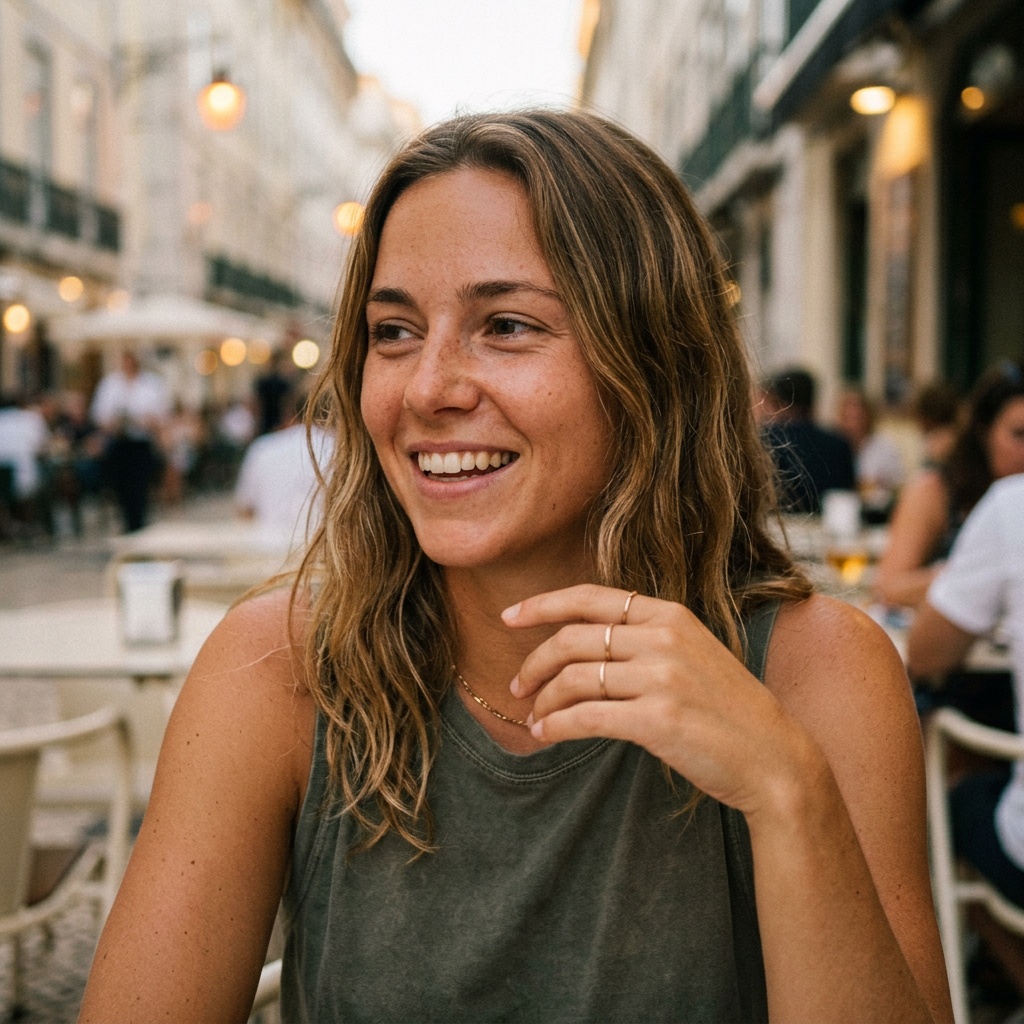 Mila
Mila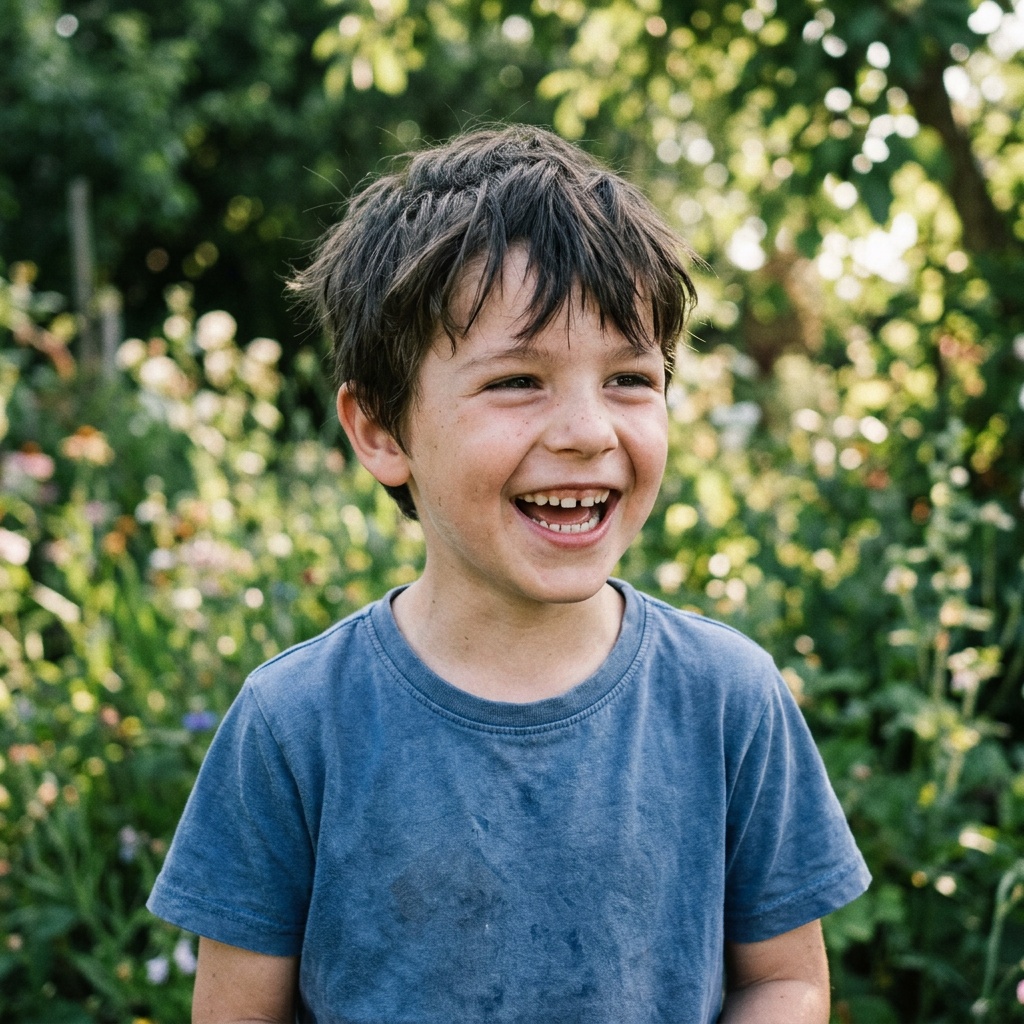 Luca
LucaThe four seconds, not the clip
Search what was said, what is written in the frame and what is happening, and get exact time windows back.
she says the recipe came from her mother and nobody ever wrote it down
Vertical without losing the person
Name someone and the crop follows their face through the whole cut, in a crowd and across mixed orientations.
tracking MilaTen years, already organised
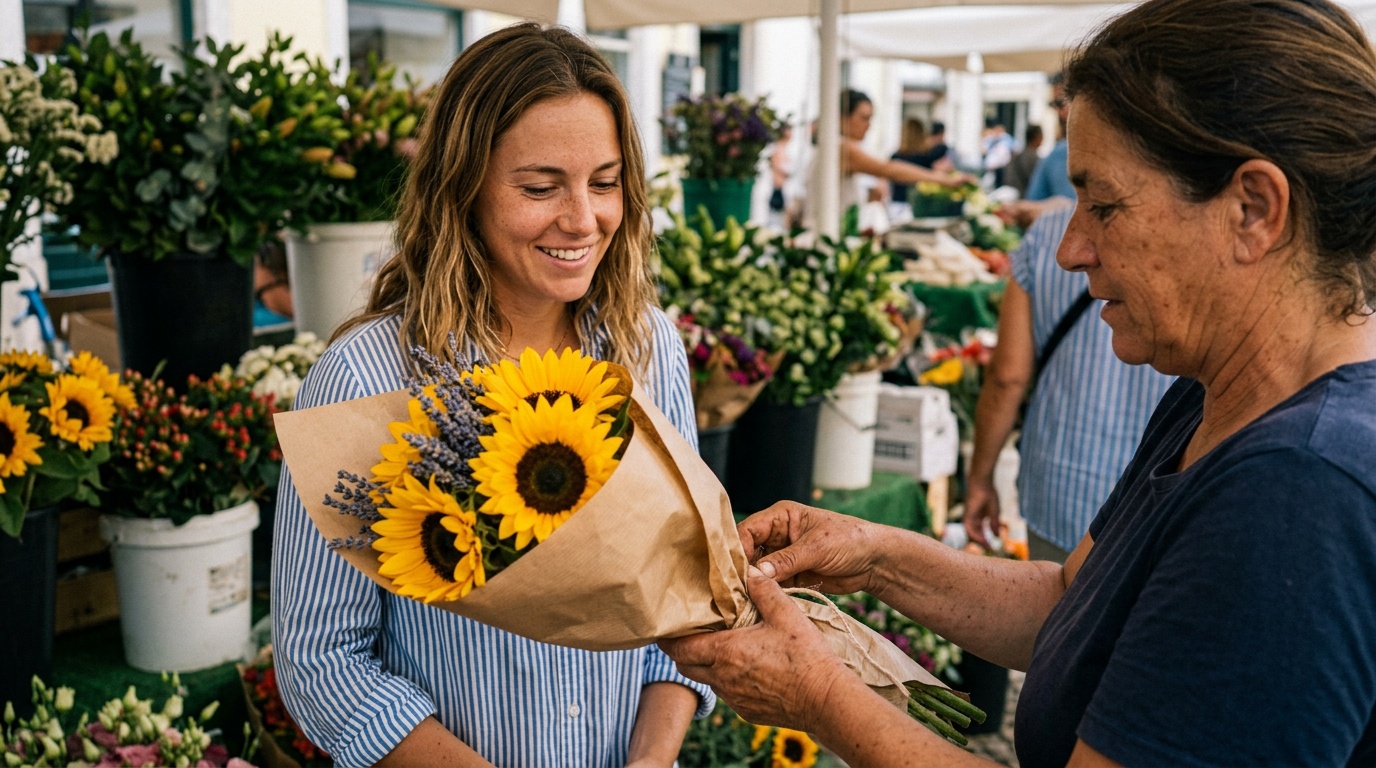
Loose files arrive grouped into shoots by time and place, each one named, summarized and put on a map.
Move the people, not the terabytes
One encrypted package carries the face signatures, context and relationships, with no video attached. A twelve character code unlocks it on the other Mac.
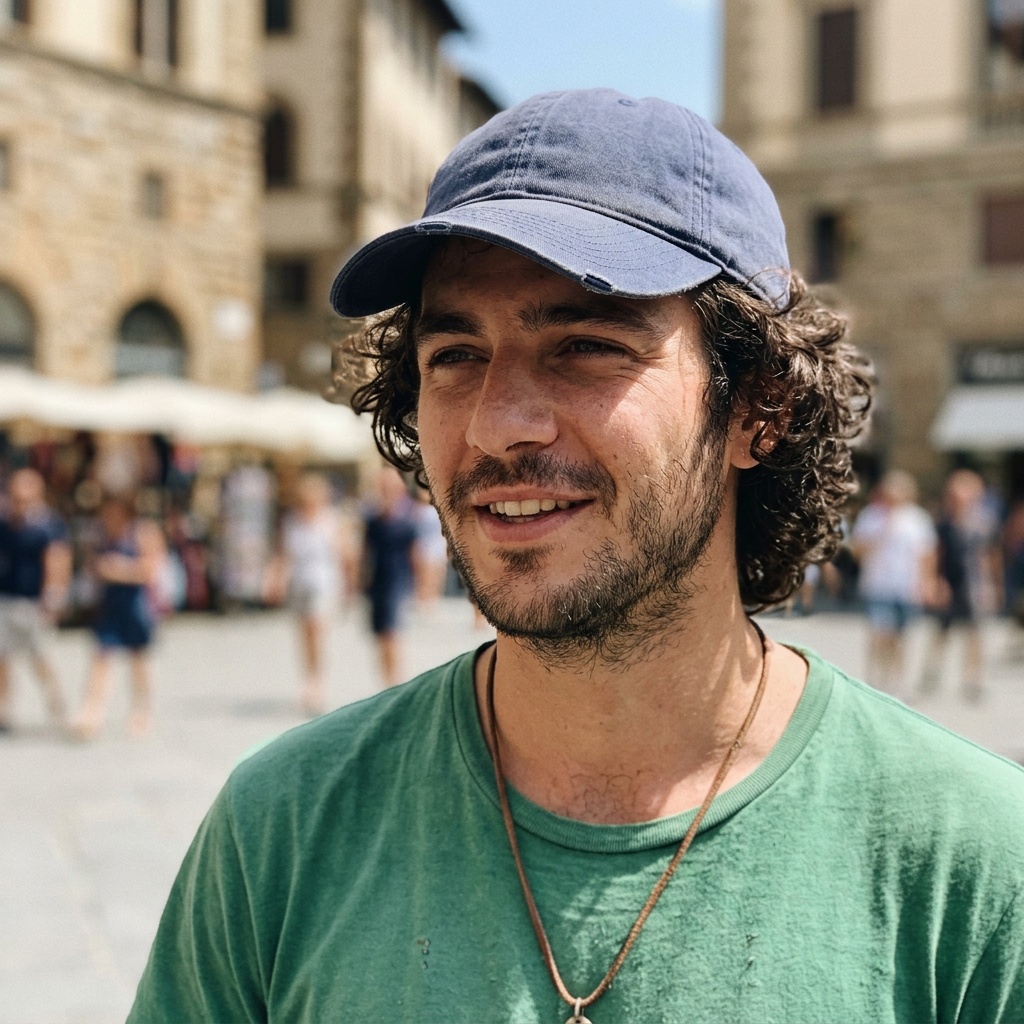
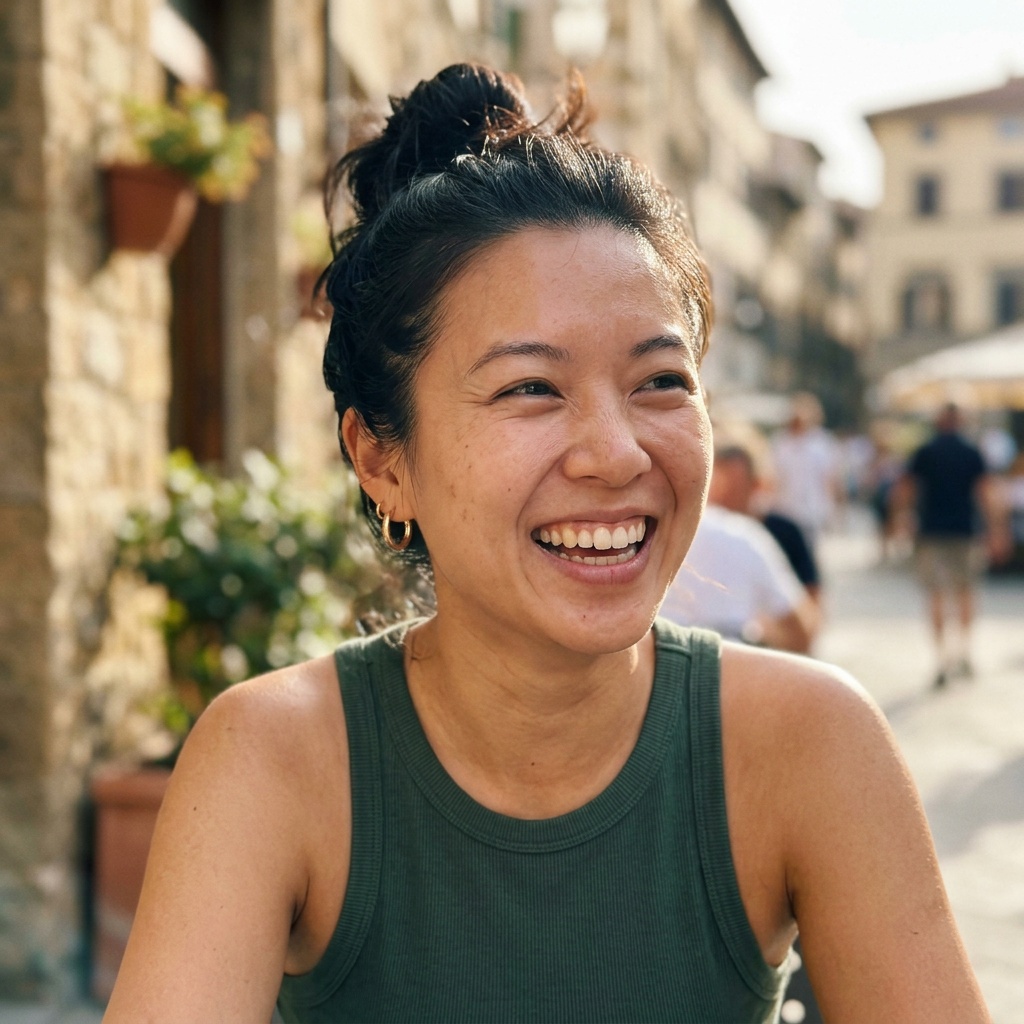
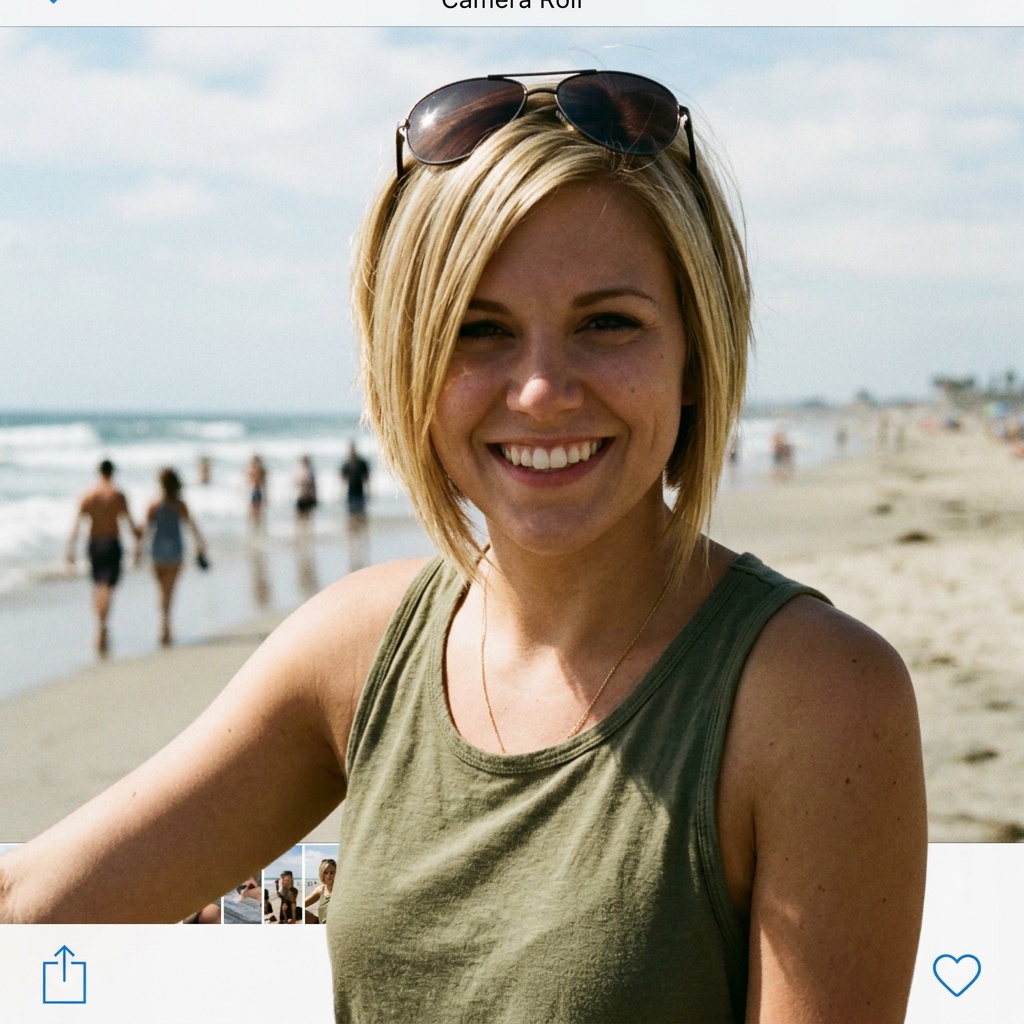
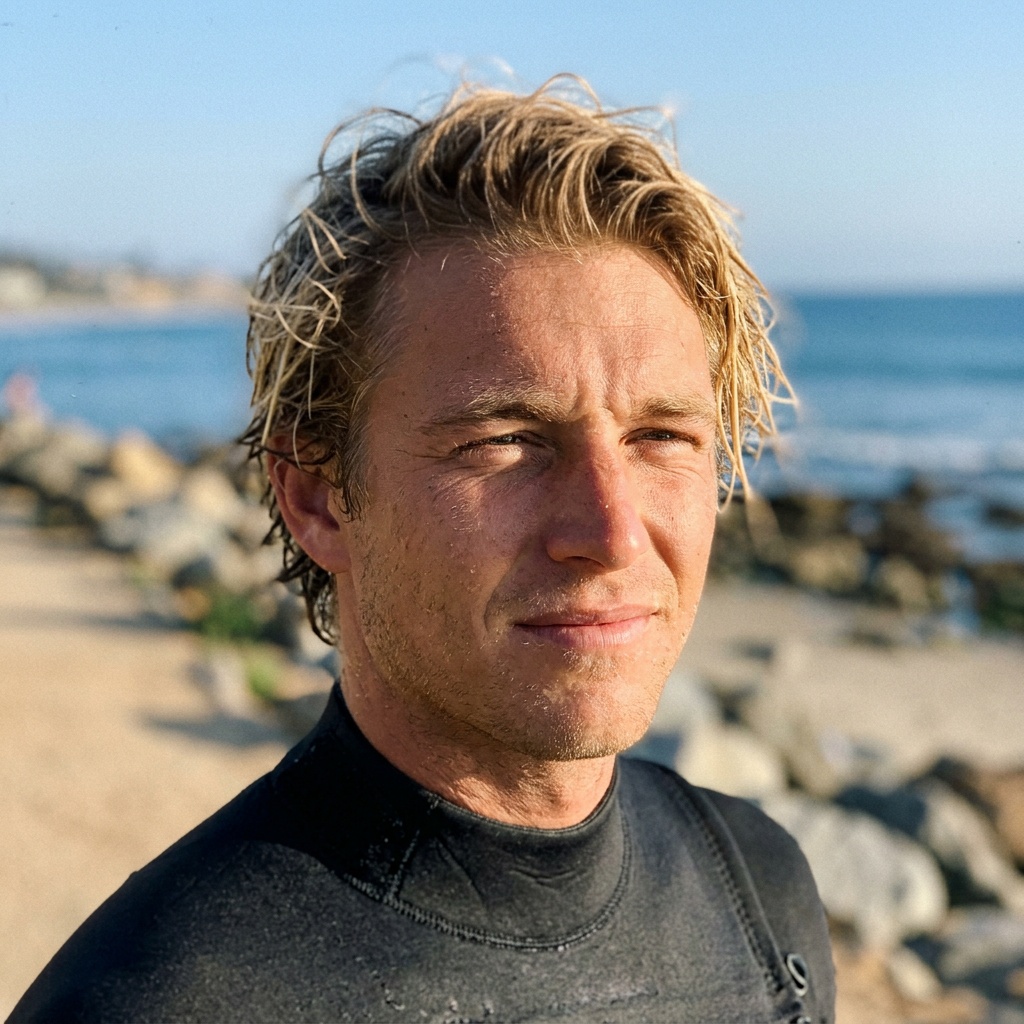
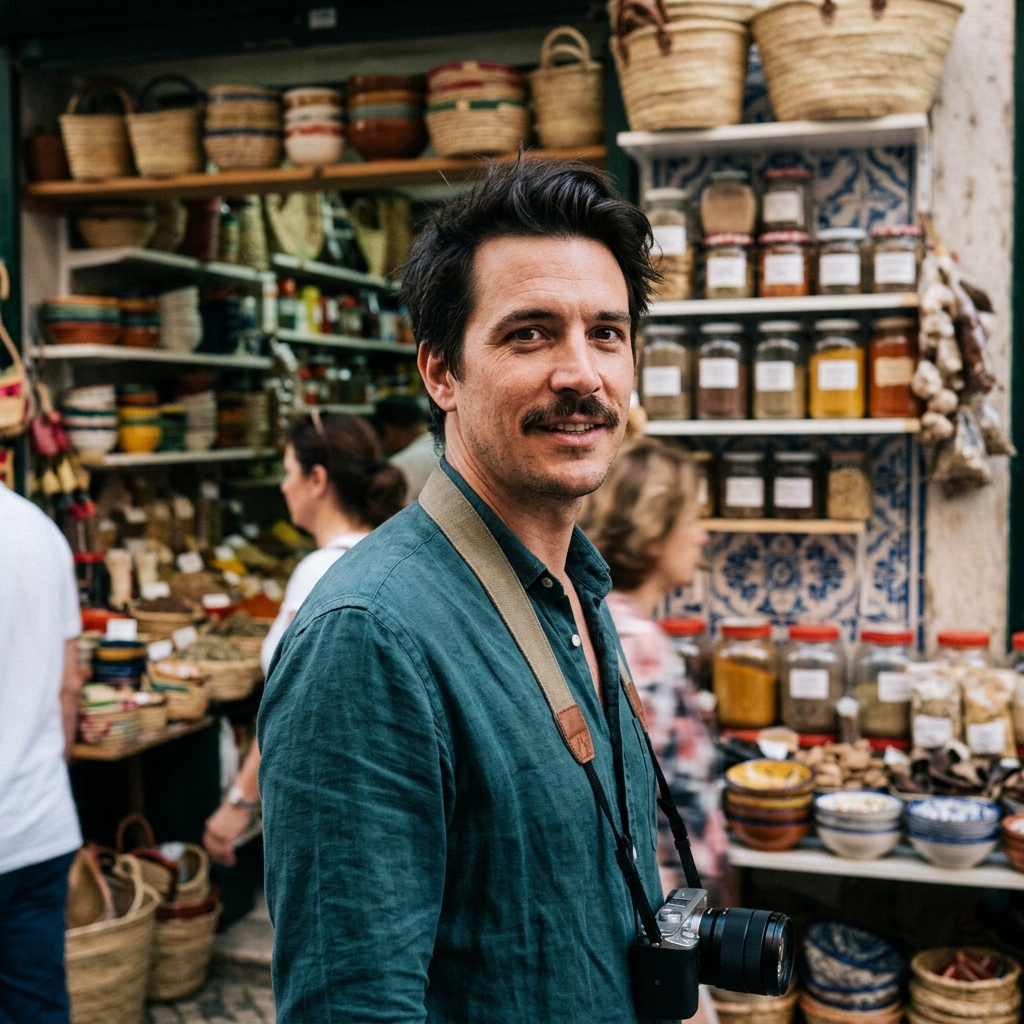
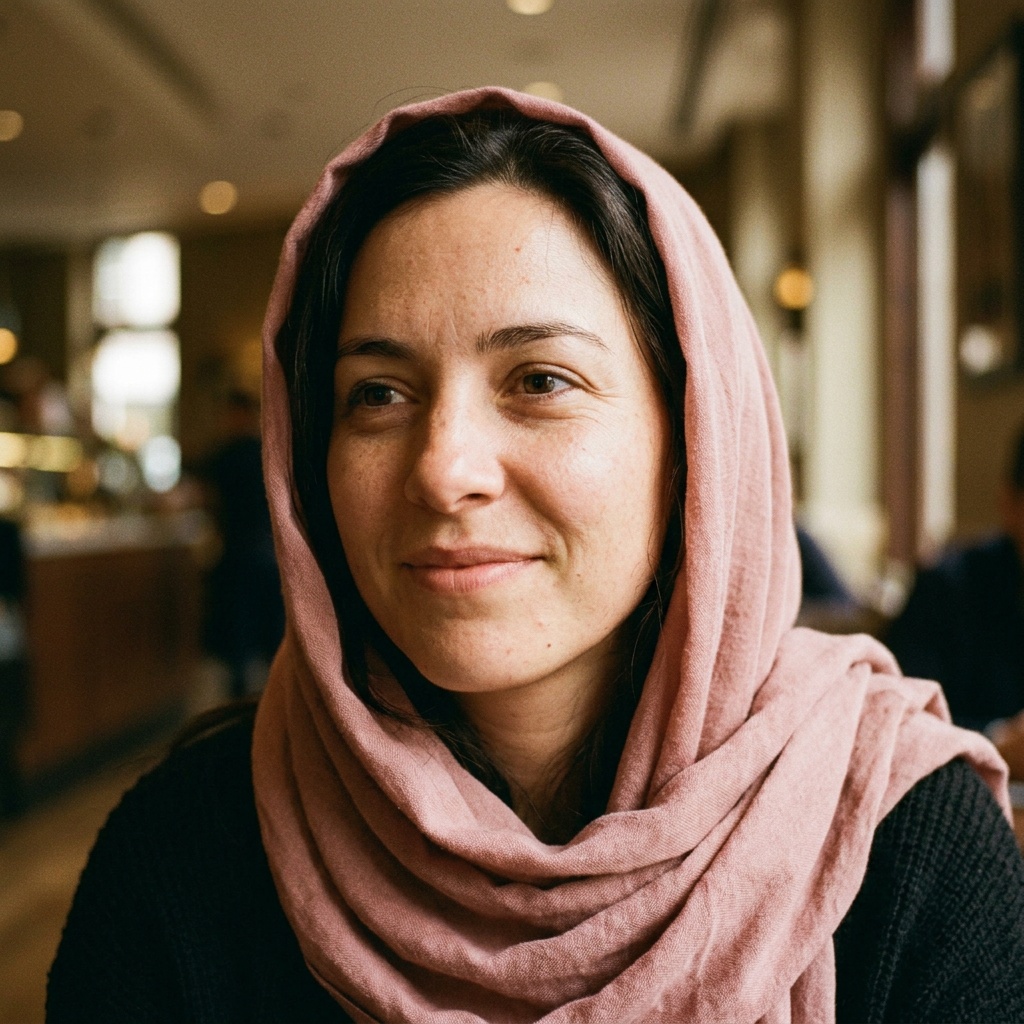
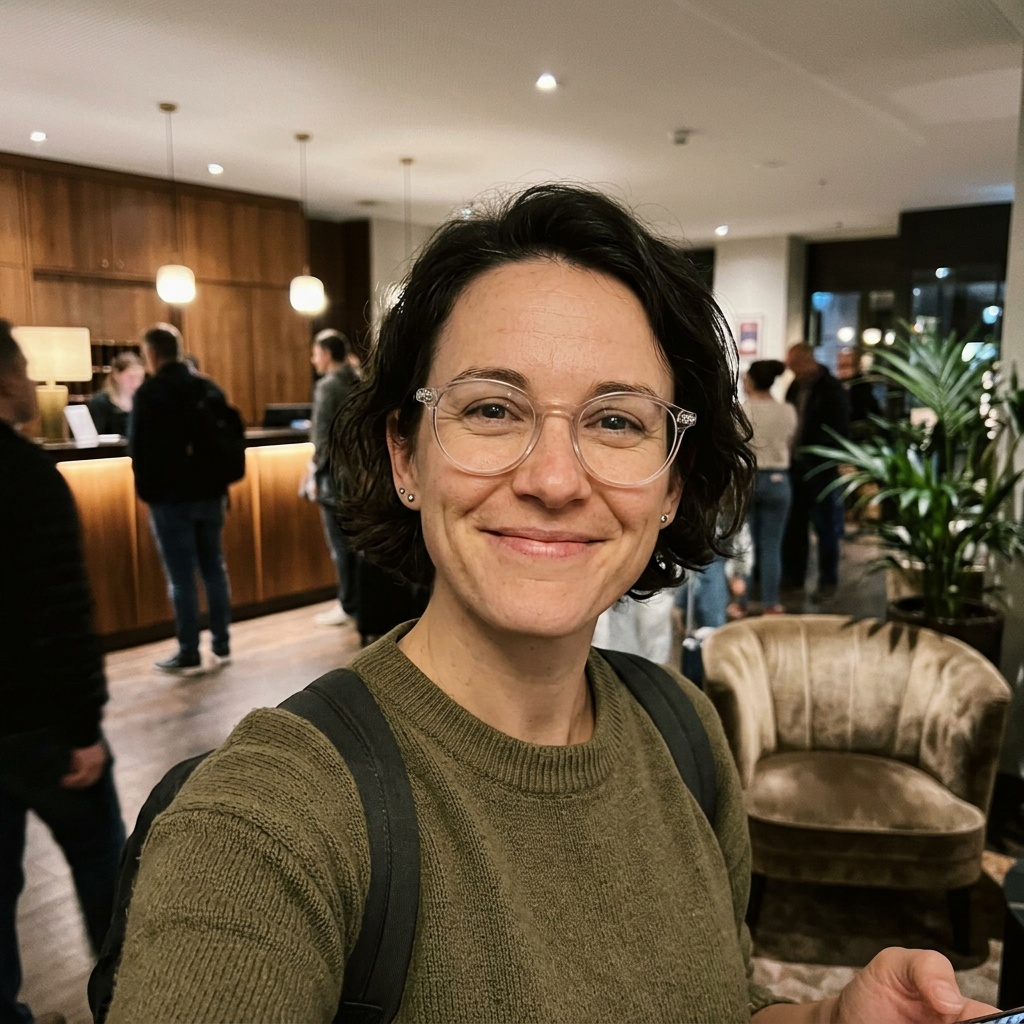 +113 more
Your agent reaches exactly as far as you allow
You grant folders one at a time, read-only or writable. An assistant cannot add one itself, and everything outside them is unreachable.
Tokenized names to reduce AI visibility
Switch on privacy mode and the names in your People catalog become tokens to your AI agent. People are referenced by ID only, increasing anonymity while keeping your ability to search for individuals in your footage. Biometrics are never shared with your AI.
Mila Reyes•••••Jonah Bell•••••Marta at the hostel•••••The library on one Mac, your AI apps on another
The host Mac holds the library and does all the indexing and rendering. A bridge is a second Mac running the same app as a menu bar agent: pair it over your network with a six digit code, and the AI apps on it drive the host's library, with finished renders fetched back to its own Movies folder. No separate licence for a bridge.
Everything on one machine. Install it, point it at a folder, and your AI app talks to it locally.
A brand kit for your virtual influencers
Your Mac becomes a provider agnostic repository of your people and characters, holding their images, video, voice and backstory. Easily reference AI people or characters to generate new AI content, and download every generation into a local catalog that can be used to build long form videos.
GroundSlate

 Your AI
 Provider
Your AI Image prompts stop living in chat windows
Your agent generates wherever you already have an account, then pulls the file down to your Mac with the prompt, the references, the model and the seed recorded beside it.
GroundSlate Provider

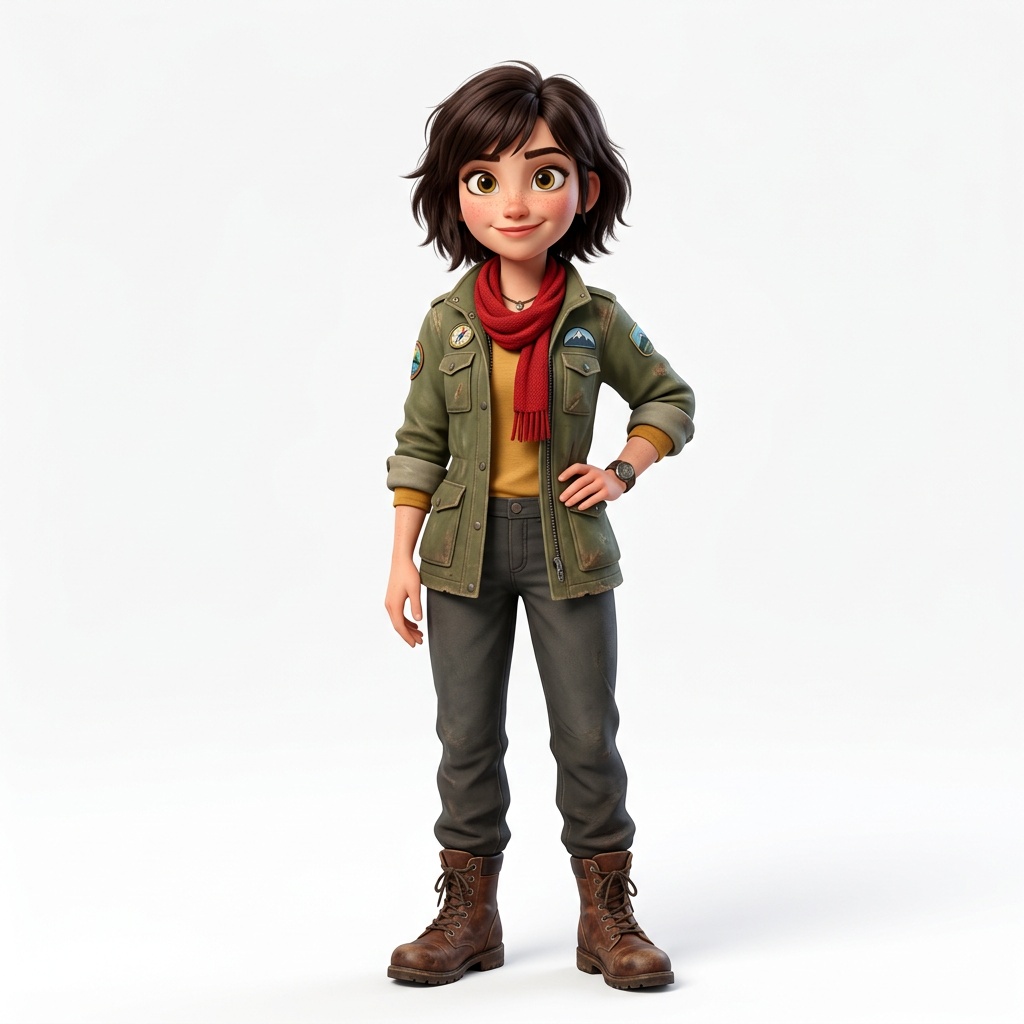
@Image1 and @Image2 are Marlow's front and three-quarter references. @Image3 is Wren. Put them together mid air high-fiving at a night carnival, string lights, ferris wheel behind, warm rim light.
Your tracker, without the duplicate work
Paste a project id from Asana, Jira, Notion, Linear or the rest. An agent already connected to that tool pulls the brief and the deadlines itself.
Your agent reads the brief, the tasks and the dates straight from the tracker it is already connected to.
Use open source AI models within a beautiful macOS experience.
A voice you designed, reading your script
Describe a voice and the app makes it. Upload a voice to clone it. From then on it reads every script you hand it on your Mac, with no token limits.
A shot from a prompt or a photo, with sound
Describe the shot and LTX 2.5 renders it on your Mac. Start from a still you already have, and run a shot you like again.
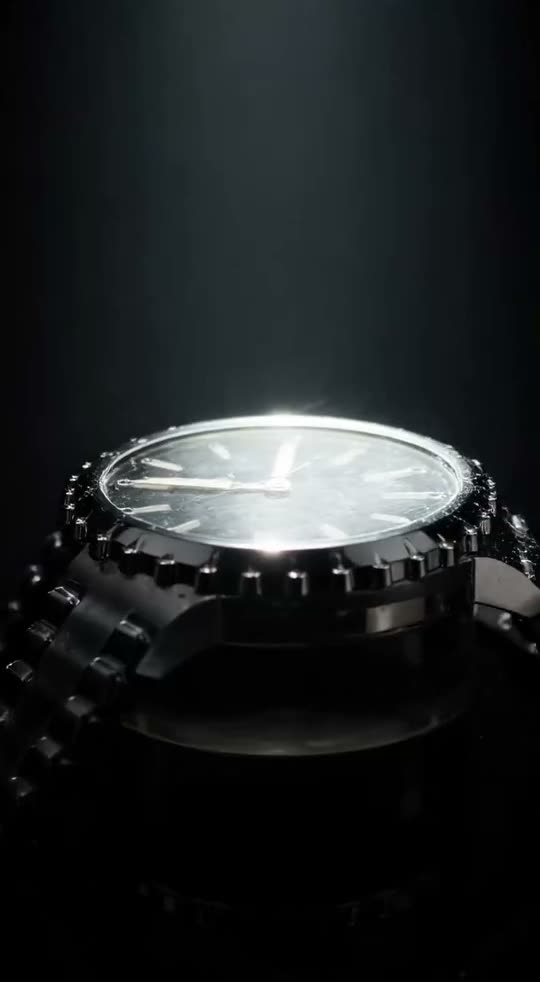
a steel dive watch on black, one hard light crossing the crystal, slow push in
That line, and nothing else. GroundSlate made the shot on a Mac, not in a datacentre.
A bed from a brief, cut to the scene
Say the mood and the length and Stable Audio 3 writes the bed on your Mac. Generate music quickly in virtually any genre, and AI analysis lets you easily beat match.
The sound the shot needed, in seconds
Name the sound and Stable Audio 3 makes it on your Mac. From beep and bonks to whooshes and wizzes, you can add depth to your soundtrack in seconds.
Unified memory, MLX and open models
GroundSlate is optimized to take advantage of the shared memory of the CPU and the GPU on Apple silicon. That architecture allows your M-series Mac to run advanced AI locally, with privacy, speed, and lower costs.
Models on your own disk.Run amazing open source models on your Mac.
Gemma 4Qwen3-VLQwen3-TTSThe footage exists. The deadline is the problem.
It all happens on your machine.
Indexing, transcription and rendering all run on the Apple silicon in the Mac you already own.
Created on your machine, kept on your machine. Privacy Mode tokenizes the names you have catalogued.
No analytics or telemetry. We hold your login and license key, and a machine identifier when you activate. A speed test of the app's own sample files reaches us only when you press Send to COEY. We process no content at all.
A client's unreleased footage cannot go to a cloud service. Here it stays on the Mac it landed on.
Ten years of everywhere you went, and everyone you went with. Searchable on your own machine.
What you send your assistant is between you and whoever runs it. All of it is written down in the privacy supplement.
$99 a year for the whole application. No per-seat metering on your own footage, no feature tiers held back. Manage your seat and downloads from your COEY account at any time.
The whole app, on one Mac.
Everything in the app, on your Mac.
Locked for as long as your subscription stays active.
Need more Macs? Add bridge seats yourself from Billing, any time.
For teams running GroundSlate at volume.
Prices in USD. Download and try it free, activate when you are ready.
AirDrop it to your Mac, or send it to yourself or a friend. Open it on a Mac and the download starts.