
Krea Realtime 14B Redefines Live AI Video
Krea Realtime 14B redefines live AI video generation. What it unlocks for AI marketing automation, live creative ops, and real time video ad workflows.
21 October 2025Team COEY
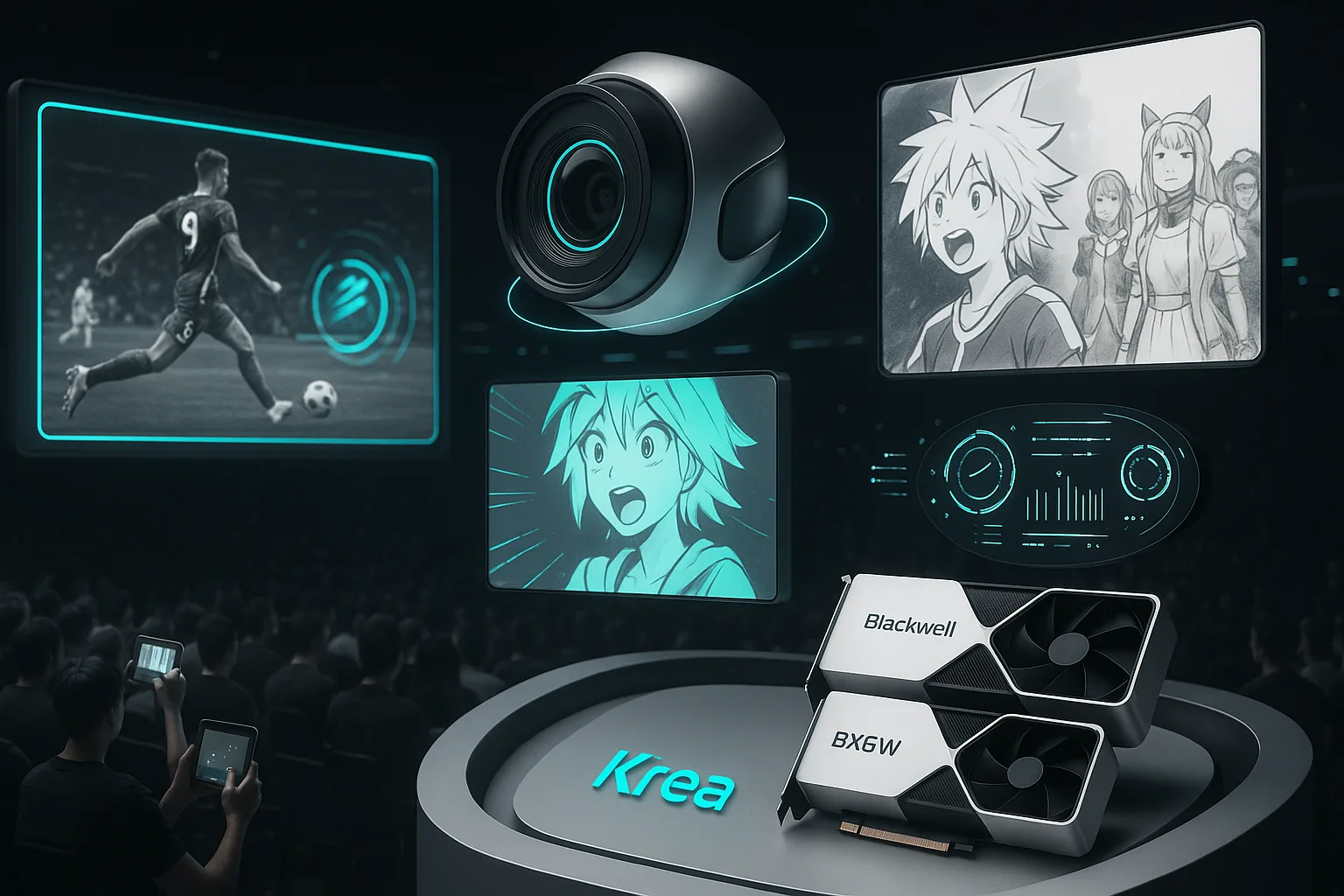
Live video, now moldable: Krea’s real-time play lands
Live video just got a new control room. Krea’s Realtime 14B model, paired with its Realtime Video system, promises near-instant restyling, character swaps, and scene transformations on top of an active camera feed. The company details the approach and engineering in its announcement and technical post on Krea’s blog, positioning it as a leap toward interactive, audience-responsive visuals for streams, events, and broadcasts.
COEY take: This is a meaningful step beyond “render and wait.” Realtime 14B edges AI video into the world where shows and sports actually happen live. It is not full broadcast replacement yet, but the knobs for automation are finally showing up.
What launched and why it matters
Krea Realtime 14B is a 14B-parameter model distilled from Wan 2.1 14B and refit for autoregressive, streaming generation using their Self-Forcing technique. In practice, that means steadier motion and lower error accumulation across long sequences, which is a prerequisite for live use. The team highlights memory optimizations, KV cache recomputation, and attention bias tactics to reduce drift and loops mid-stream. For creators, the headline is control: adjust prompts, blend styles, or condition with reference inputs as the scene unfolds.
This shifts generative video’s operating mode from clip factory to live instrument. Think: sports alt-feeds, brand activations, hybrid stage shows, or audience-voted reskins during e-sports.
The state of the stack: speed, inputs, and demos
Speed: Krea reports about 11 fps with four inference steps on a single NVIDIA B200 class GPU, enough for interactive prototypes, installations, and constrained shot types, but shy of 24/30 fps broadcast norms.
Input modalities: Krea’s realtime system supports text, reference imagery, canvas-style hints, and live screen/webcam feeds for conditioning and steering.
Model under the hood: Distillation plus autoregressive conversion (Self-Forcing), KV cache strategies, and memory optimizations are the scaffolding that keep long sequences coherent.
Automation lens: can you plug this into a workflow today?
| Area | What’s available now | Automation impact |
|---|---|---|
| Model access | Weights and inference/runtime code on Hugging Face | Advanced teams can self-host, script control, and wrap as a service for internal tools |
| Control surfaces | Prompt updates, style conditioning, reference inputs | Programmable hooks for live cues (for example, votes, triggers) if you build a WebSocket or HTTP layer |
| Official API | No turnkey, hosted API announced | Not plug-and-play for Make, Zapier, or n8n; requires a custom API or gateway you deploy |
| Throughput | About 11 fps on a single B200 (4 steps) | Interactive demos and activations feasible; full broadcast replacement remains future work |
| Tooling fit | Open-source repo with realtime runtime | Integrate into OBS or WebRTC pipelines with engineering effort; gate with moderation and brand checks |
What creators and marketers can do today
Interactive shows and streams: Trigger look changes (for example, “neon anime,” “ink wash,” “retro CRT”) from chat votes or moderator panels mid-broadcast.
Experiential/event feeds: Run an alternate fantasy feed on venue jumbotrons or companion apps while the in-person crowd sees reality.
Prototype format ideas: Quickly explore how much stylized reality your audience will tolerate without post pipelines and render queues.
What still needs to land for automation at scale
Hosted API and webhooks: Job creation, stream control endpoints, status events, and asset capture to slot into no-code ops.
Frame-rate and latency headroom: Hitting and holding 24 or 30 fps reliably on commodity or rentable GPUs to broaden real-world deployments.
Policy rails: Built-in filters, face and brand safe modes, and metadata to enable automated compliance in live contexts.
How it stacks up: realtime vs. the offline heavyweights
Most top-tier models like OpenAI’s Sora, Google’s Veo, Runway, and Pika shine in offline generation: stunning, but minutes to hours per render. Krea Realtime 14B swaps raw fidelity for responsiveness. If you need a finished 15 to 30 second hero asset with integrated audio, offline remains king. If you need to respond to a chat poll or a director cue right now, the Krea route is the only practical lane in open code form today.
For contrast, see how Google positioned practical control and API exposure with Veo 3.1 (vertical framing and end frame guidance) through the Gemini API. That is a different production ready vector, but useful context for teams planning pipelines: our Veo 3.1 analysis.
Hardware reality check
Krea’s speed claims are tied to NVIDIA’s latest-generation, Blackwell-era GPUs. The company cites single-GPU performance on a B200 class part. While Blackwell configurations largely live inside HGX or DGX servers, the key takeaway is not which chassis you use, it is that realtime generative video wants top-shelf tensor throughput and memory bandwidth. For a sense of platform context, see NVIDIA’s HGX B200 platform overview here. Expect early adopters to run this in labs, venues, and broadcast R and D bays before it trickles down.
Creative control: what gets better in realtime
Temporal cohesion: Autoregressive design plus cache strategies keeps motion from looping or freezing under pressure.
Immediate feedback: First frames land quickly, so you can course-correct style and content on the fly.
Multimodal steering: Text prompts, image and style references, and pre-baked skins combine into a live VFX console for non-technical producers.
Pull-quote: The win is not just visual novelty, it is latency. Low-latency control turns audiences into collaborators and live content into a canvas you can actually paint.
Formats: text, photo, video, and the audio gap
Text to video restyling: Prompts become live looks such as brand palettes, tone shifts, and seasonal variants without re-rendering assets.
Image to conditioning: Feed product shots, logos, or character sheets to anchor identity across transformations.
Video to video: Stylize camera or screen feeds for live alt-casts and sponsor-friendly overlays.
Audio: Not integrated. You will route generated video into a separate audio stack (VO or TTS, SFX, music) and mix live. For many activations, that is fine; for ship it now clips with A and V in sync, see offline pipelines until Krea exposes an audio story.
Risk, rights, and readiness
Live transformation raises non-trivial policy questions. Likeness rights, logos, and venue or broadcast agreements apply even if you are just restyling. Plan guardrails: pre-approved style packs, profanity and NSFW filters, human-in-the-loop overrides, and clear metadata labeling. If you self-host from the model card, review licensing and usage terms on Hugging Face before commercial use.
What this means for scaling creativity
| Use case | Do now | Wait for |
|---|---|---|
| Interactive streams and events | Prototype audience-voted skins, sponsor alt-feeds, and live brand mode overlays | Higher FPS and a hosted API for mainstream broadcast adoption |
| Dynamic branded content | Run controlled installations and hybrid stage visuals where 10 to 15 fps is acceptable | Commodity GPU support and turnkey cloud endpoints |
| Campaign automation | Build a custom gateway (HTTP or WebSocket) to trigger scene changes from polls or CRMs | Native webhooks, policy filters, and scheduling built into a managed service |
The pragmatic bottom line
Krea Realtime 14B pushes generative video out of the render queue and into the moment. The tech is legit: autoregressive underpinnings, thoughtful error controls, and usable low-latency interactivity. The trade-offs are clear too: high-end GPUs, about 11 fps ceilings, and no off-the-shelf API. For creators and marketers, that nets out to this: if you have an engineering partner and a reason to go live, you can build something people have not seen before today. If you need 30 fps, audio-integrated, policy-sanitized outputs at scale, watch the roadmap.
To experiment or self-host, start with the model card and runtime here: krea/krea-realtime-video.