
OpenAI’s ChatGPT Atlas: New Browser, Real Gaps
OpenAI's ChatGPT Atlas is a new browser with real gaps. What the launch means for AI marketing automation, web agents, and assistant native browsing ops.
23 October 2025Team COEY
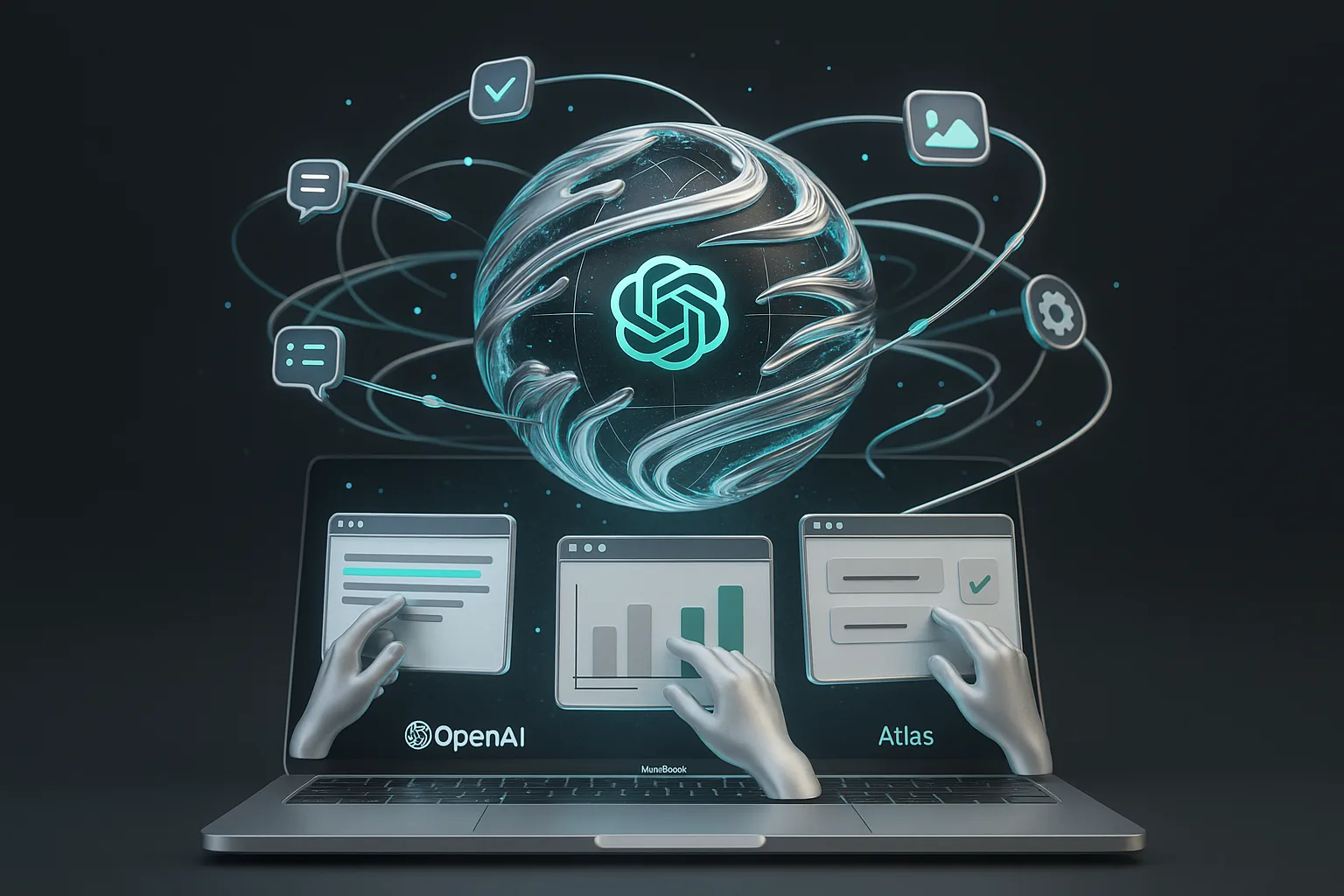
OpenAI Unveils ChatGPT Atlas: The Browser Becomes a Workbench
OpenAI has launched ChatGPT Atlas, a new AI-native browser that embeds conversational intelligence directly into the browsing experience, from summarizing pages to executing tasks across the web. It’s available first on macOS, with other platforms “coming soon,” and it’s the clearest swing yet at turning search and browsing into a live workflow. Read the announcement from OpenAI here: Introducing ChatGPT Atlas.
Big picture: The browser wars are no longer about tabs; they’re about tasks. Whoever owns the “do this now” moment across the internet’s data will own a lot of creative and commercial gravity.
What Atlas Is , and What It Isn’t
Atlas pairs a ChatGPT sidebar with an updated “new tab” experience and a mode that lets the model act on your behalf. In practice, that means:
Context-on-demand. Summarize, compare, and extract from any page without leaving it.
Agent Mode (paid tiers). For Plus/Pro/Business accounts, ChatGPT can navigate sites and perform multi-step tasks (think planning, shopping, form-filling).
Memory controls. Atlas can remember useful context across sites, with toggles for incognito and granular history clearing.
Privacy defaults. Browsed content isn’t used for model training unless you opt in, with parental and organizational controls layered on top.
It’s a purposeful reframing: from “find links” to “finish tasks.” For creators and marketers, that aligns with how production actually flows , research begets briefs; briefs beget assets; assets beget distribution. Atlas aims to be the connective tissue.
The Automation Lens: Can You Plug Atlas Into Your Stack?
Short answer: partially , today’s automation lives inside the browser session, not across your entire toolchain. Atlas can:
Automate within the page. Summaries, comparisons, and data pulls happen in place. Great for research, list-building, and light analysis.
Run web tasks in sequence. Agent Mode can follow links, fill fields, and make decisions in a bounded flow (e.g., find top items, compare specs, draft a short write-up).
Respect data boundaries. Enterprise controls and role-based permissions lower the risk of unintentional data sprawl while collaborating.
Where it’s not there yet: a dedicated “Atlas API” for headless browsing orchestration, web automation at scale, or direct integrations with third-party automation hubs. You can still use OpenAI’s existing APIs in your stack, but those aren’t the same as an API that exposes Atlas’ page context, agent actions, and browsing state.
| Capability | What Works Today | What’s Missing for Automation | Impact for Teams |
|---|---|---|---|
| Research & Synthesis | On-page summarization, comparisons, citations, quick exports | Programmatic export hooks to sheets/DBs without manual copy | Faster discovery; fewer tabs; better first drafts |
| Agentic Web Tasks | Multi-step navigation for Plus/Pro/Business | Headless/queueable agent jobs; monitoring; retries; audit trails | Useful for ad-hoc tasks; not yet ops-grade at scale |
| Team Data Controls | Permissions, memory controls, incognito | Granular org-level policies via admin APIs; SIEM hooks | Comfort for pilots; compliance teams will want deeper levers |
| Integrations | Works with OpenAI accounts; OS-level share flows | Native connectors to CRMs, CMS, BI; webhooks from Atlas events | Great for experimentation; limited end-to-end automation |
APIs, Integrations, and Real-World Readiness
OpenAI’s documentation emphasizes privacy defaults, Agent Mode availability for paid plans, and macOS-first rollout. For workflow builders, the missing piece is a formal interface to Atlas itself , the ability to push/pull page state, trigger agent runs from outside the browser, receive event callbacks, and manage org policies programmatically. Until that lands, Atlas is a strong in-browser accelerator, not yet a backbone for your cross-app automations.
Translation for non-technical teams: you can move faster inside Atlas today; to move data between Atlas and your stack automatically, you’ll still lean on existing OpenAI APIs, your automation platform of choice, and good old copy/paste when needed. That’s fine for pilots and creative sprints, but ops teams will want APIs, webhooks, and admin controls before they standardize.
Market Reaction: The New Browser Wars Are About Data and Distribution
OpenAI’s move squarely targets Chrome’s core advantage: owning the surface where users look for answers and take action. The competitive signal landed: following the announcement, Alphabet shares dipped as investors weighed the implications for search time and ad revenue capture. Coverage here: Reuters on the Atlas launch and competitive stakes.
But let’s stay pragmatic. Chrome and Safari still command entrenched mindshare and default placement on the world’s devices. Behavior change at the browser level is slow, and Google is already weaving Gemini deeper into Chrome. The near-term shift won’t be mass migration , it’ll be high-intent users adopting AI-native sessions for research and execution-heavy tasks.
Atlas doesn’t have to “kill search” to matter. If it captures the moments where work happens, not just where queries start, that’s material for creators, marketers, and publishers.
Text, Photo, Video, Audio: How Atlas Flows Across Formats
Text. Rapid synthesis of articles, briefs, competitor intel, and product specs. Expect cleaner outlines and first drafts, faster.
Images. On-page comparisons and extraction of specs help moodboarding and asset selection; creation still relies on your favorite image model/app.
Video. Summarize watch pages, pull key segments from transcripts, and compare reviews; true video editing/generation remains outside Atlas for now.
Audio. Page-level transcript analysis and podcast note-taking are straightforward; recording, editing, and mastering still happen in dedicated tools.
Cross-format continuity is the prize. Today, Atlas threads context through your browsing session; tomorrow, its utility will be measured by how well that context hops into your doc tools, asset libraries, schedulers, and analytics.
What Creators and Marketers Can Do Now vs. Next
What You Can Do Today
Speed up research sprints. Tackle competitor scans, category analysis, and trend summaries in one session, with citations at hand.
Draft faster with fresher inputs. Move from reading to outlining to first drafts without tab fatigue.
Light agent runs for repetitive tasks. Price comparisons, list curation, and simple form workflows are fair game in Agent Mode.
Sharpen collaboration. Use memory controls to keep shared context tight while protecting sensitive info.
What Needs to Happen Next for Full Automation
Expose Atlas-specific APIs. Headless agent runs, page-state export, webhooks for completion/failure, and admin policy controls.
Native connectors. CMS, CRM, social schedulers, BI dashboards , the usual suspects , so Atlas outputs can flow automatically to publishing and reporting.
Observability. Execution logs, replay, and guardrails to make agentic browsing reliable for teams (not just individuals).
Bottom Line: A Real Step Forward , With Real Gaps
Atlas earns its headline: it meaningfully reduces friction between “see it” and “do it” on the web. For creators and marketers, that means more cycles for thinking and making, fewer for searching and stitching. But without an automation-grade interface, Atlas is currently a fantastic on-ramp, not the whole highway, for scaling workflows.
If you build media for a living, the playbook is clear:
Pilot Atlas where it’s strong , research, synthesis, and light web tasks , and measure the time saved.
Keep your stack flexible with APIs and automations you control today (OpenAI API, your CMS, your data warehouse).
Watch for the unlock , the moment Atlas exposes automation hooks , and be ready to wire it into your production and distribution loops.
The browser is becoming an intelligent collaborator. Atlas makes that feel tangible, and when the automation doors open, it won’t just change how we browse. It’ll change how creative work scales.