
Chrome Android Turns Webpages Into AI Mini Podcasts
Chrome on Android turns webpages into AI mini podcasts. What that unlocks for AI marketing automation, content distribution, and audio first campaigns.
17 December 2025Team COEY
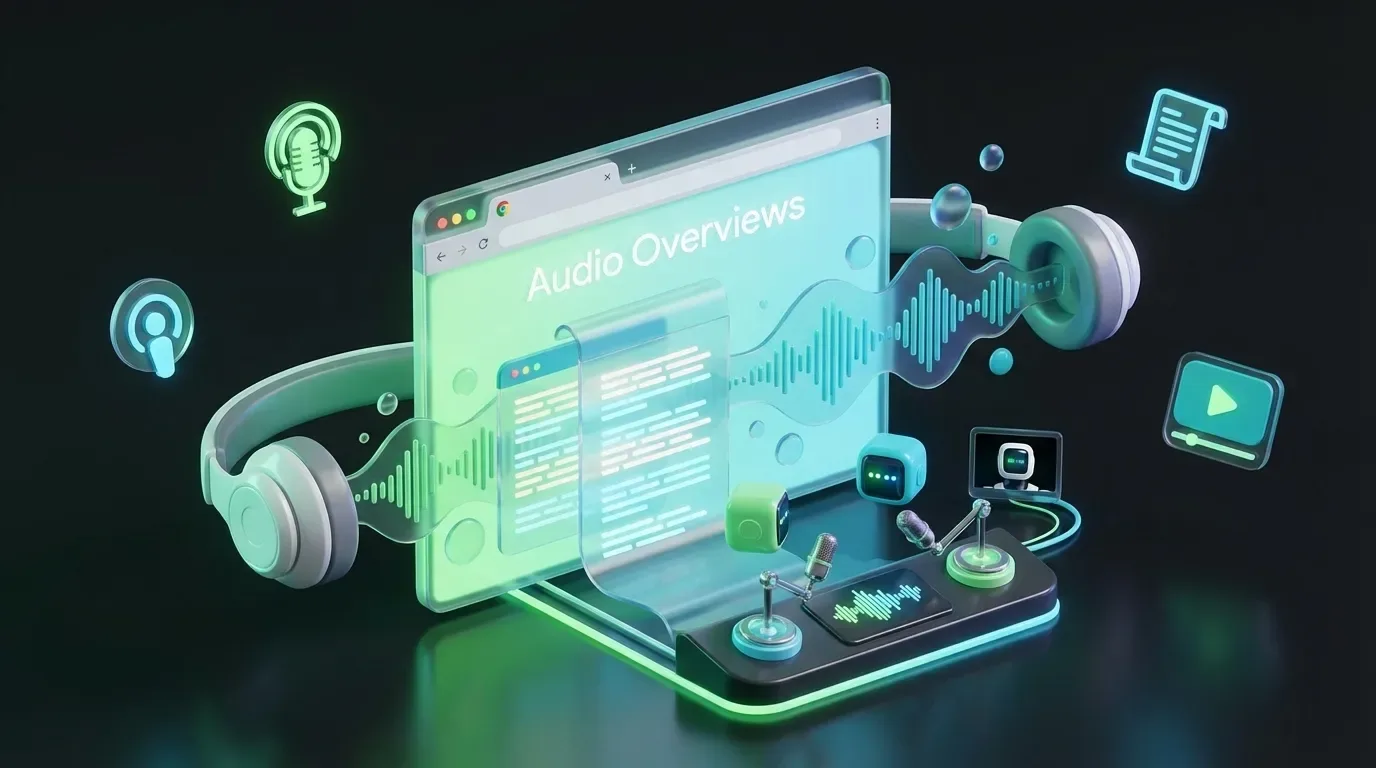
Chrome on Android is quietly turning your blog posts into mini podcasts, whether you asked for it or not. With Audio Overviews now rolling out, Chrome can generate podcast-style, AI-narrated summaries of web pages using Google’s Gemini, delivered as a conversational recap instead of a robotic read-aloud. That’s a genuine distribution shift for publishers and a not-so-subtle message from Google: the browser is becoming a format converter, not just a window to the web. In Chrome’s own ecosystem, it’s one tap away via “Listen to this page” in the menu (Android only). Coverage: Android Authority. !Chrome on Android is turning webpages into AI mini podcasts COEY CO-Bot
What actually shipped
The feature appears in Chrome for Android as part of Google’s broader push to bake Gemini into everyday browsing. Instead of reading your article line-by-line (classic text-to-speech), Chrome can generate an AI “Audio Overview”: condensed, conversational, and structured like a short radio segment. Some coverage describes it as a two-host dialogue format (very NotebookLM-coded), designed to feel like a recap you’d actually listen to rather than a compliance checkbox. Tom’s Guide frames it as turning a webpage into a podcast-style listenable recap. !Chrome on Android is turning webpages into AI mini podcasts
Translation: Google just made “audio repurposing” a browser-native behavior. No RSS feed. No studio. No Descript. No “we’ll do a podcast in Q3.”
Why this is bigger than a Chrome feature
This isn’t just accessibility. It’s distribution reformatting at the point of consumption, controlled by the platform. If people start expecting every article to have a listenable recap, you get a new reality:
Your written content becomes input material for AI narration
Your storytelling structure becomes training-style input for what gets summarized
Your CTA and brand framing become optional depending on what the model considers “important”
And if you’re a media builder, it raises an uncomfortable but important question: Are you publishing a story, or are you feeding a summarization layer?
Automation lens: can you operationalize this?
Here’s the honest answer: not directly, yet. Chrome’s Audio Overviews are an in-product feature, not a creator-facing tool with workflow hooks. That means:
You can’t (currently) push a URL into a Chrome API and get back an MP3
You can’t trigger this from n8n, Make, Zapier as a reliable step
You can’t programmatically attach this audio to your CMS, podcast host, or social scheduler
So for businesses trying to scale content output, Chrome’s feature is real but it’s consumer-side automation, not publisher-side automation. That said, Google is building the underlying capabilities in places that are developer-addressable, which matters.
What’s “API-real” today vs. what’s locked
| Capability | Can you automate it today? | What’s blocking full automation? |
|---|---|---|
| Chrome Audio Overviews (podcast-style) | No (UI feature) | No public endpoint, webhook, or export workflow |
| AI summarization in Chrome ecosystem | Partially | Rollouts, flags, and account or device eligibility; inconsistent access |
| Build your own “article to summary to voice” pipeline | Yes (with separate services) | You must orchestrate summarization plus TTS plus hosting yourself |
If you want a browser-native “summarize page” entry point, Gemini has also been appearing in overlays (example: “Summarize page”), but those too are framed as feature rollouts rather than stable automation primitives. Android Central
What creators and marketers can do right now
Even without a Chrome Audio Overview API, you can respond strategically today.
1) Write for the summarizer, not just the reader
If Gemini is deciding the “main points,” your job becomes making your main points impossible to miss. Practical implications:
Put your actual thesis early (not buried under a cinematic cold open)
Use clear headers and punchy topic sentences
Make your brand POV explicit, not implied
Treat CTAs like “summary candidates” (short, concrete, and near key takeaways)
2) Treat every article like an audio source
Audio Overviews shift content from “read time” to “listen time,” which changes what performs:
simpler sentence structure
fewer visually-dependent references (“as you can see in the chart”)
more repetition of key terms (helpful for listeners)
This is where multi-format thinking stops being a nice-to-have and becomes a survival trait.
3) Expect attribution gaps
Chrome plays the audio inside the browser. You don’t get a podcast download. You don’t get listener analytics. You don’t get dynamic ad insertion. You get: vibes.
If your exec team asks, “How many listens did we get?” the current answer is basically: “Chrome knows.”
What needs to happen for real automation
For this to become automation-grade (actually useful for scaled content ops), Google would need to expose something like:
An Audio Overview generation API (URL in to audio file plus transcript out)
Job status plus webhooks (generated, failed, flagged)
Controls for voice, length, and structure (brand-safe defaults)
Publisher permissions (opt-in or opt-out, allowed excerpts, attribution rules)
Until then, this is a powerful signal but still a closed-loop feature.
Multi-format impact: text becomes the trunk, audio is a branch
Audio Overviews reinforce an emerging truth: text is becoming the source format again, not because it’s the most consumed, but because it’s the easiest to transform into everything else. From one article, the platform layer can generate:
Audio (podcast-style recaps)
Short summaries (overlay, assistant responses)
Video scripts (same summarization logic, different renderer)
Social captions (compressed narrative units)
And the more Google bakes these transformations into Chrome and Search experiments, the more your “content strategy” becomes your “format strategy.” If you are building workflows around these shifts, COEY has also covered Google’s push toward generated recap formats in NotebookLM Video Overviews: Google’s AI Shortcut for Content Creators and Marketers.
Bottom line for teams trying to scale
Chrome’s Gemini Audio Overviews are a real milestone: the browser is now an automated repurposing machine. But it’s not creator-controlled, not API-exposed, and not analytics-friendly, yet. For marketers and media builders, the pragmatic play is:
assume your articles will be summarized and narrated for users who choose to use it
structure writing so your intended message survives compression
don’t confuse “available in Chrome” with “automatable in your stack”
If and when Google exposes this as a callable service, it becomes a serious workflow primitive: publish article, auto-generate audio recap, route to podcast feeds, social clips, newsletters, and assistants. Today, it’s a glimpse of that future, delivered in the most Google way possible: extremely impressive, slightly locked down, and already changing how some users consume articles on Android.