
ComfyUI: The Workflow Engine for AI Production
ComfyUI is the workflow engine for AI production. A practical guide for AI marketing automation teams building repeatable generative creative ops.
24 January 2026Team COEY
ComfyUI started as “that node-based Stable Diffusion thing power users won’t shut up about.” Now it’s something more important: a production-minded workflow engine for generative media that’s unusually honest about what’s happening under the hood, and unusually friendly to automation once you stop treating it like a toy.
If most image generators feel like a vending machine (insert prompt, receive vibes), ComfyUI feels like a studio with the lights on. You can see the full pipeline, change any part of it, reuse it, and crucially, run it like a system instead of a one-off prompt session.
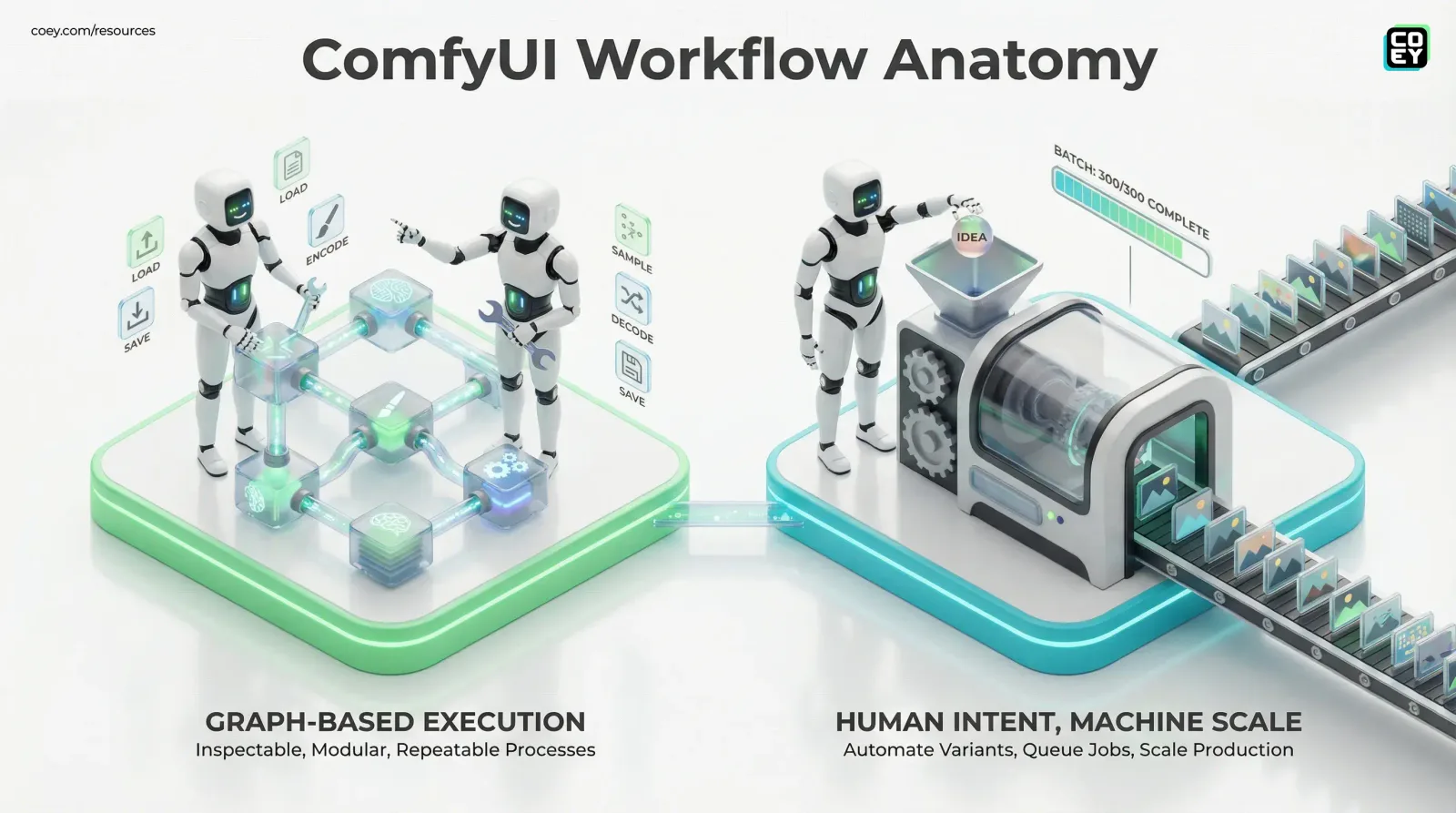
In COEY terms: ComfyUI is one of the cleanest examples of scaling human creativity through intelligent machine collaboration. Humans provide intent, taste, and constraints. Machines execute the grind: variants, batches, formatting, consistency, and repeatability.
You can start here: ComfyUI on GitHub.
What ComfyUI actually is
ComfyUI is an open-source, node-based interface and backend for running diffusion-class generative models. Yes, it’s famous for Stable Diffusion, but today it’s better described as a graph-based execution layer for generative workflows.
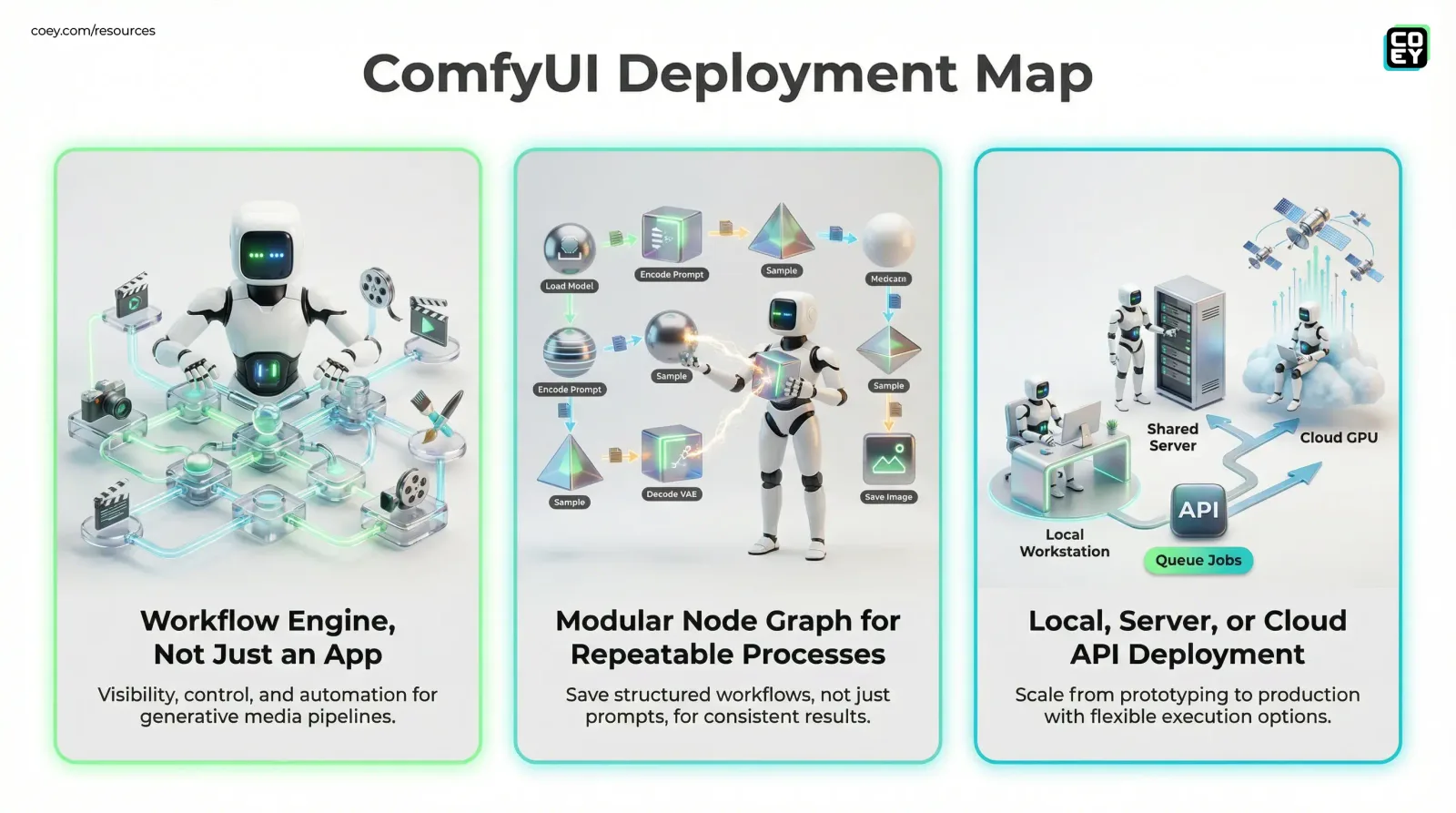
Instead of hiding steps behind toggles and dropdowns, ComfyUI breaks the process into discrete “nodes” (load model, encode prompt, sample, decode, upscale, save, etc.) and lets you wire them together into a directed graph.
That architecture matters because it changes what you’re saving.
In ComfyUI, you’re not saving prompts. You’re saving processes.
A “process” is the difference between:
“We made a cool image once.”
“We can produce 300 consistent campaign variants overnight, and we know exactly how.”
Why the node graph is the point (not the aesthetic)
Marketers don’t need to become shader programmers. But they do need creative operations that don’t collapse under scale. ComfyUI’s graph approach makes workflows:
Inspectable (you can see intermediate outputs)
Modular (swap one step without rebuilding everything)
Repeatable (export and import workflows as files)
Automation-friendly (queue jobs instead of clicking Generate 500 times)
That’s the difference between “AI content” and “AI production.”
Where to get it (official sources only)
ComfyUI is popular enough that the internet is full of “helpful bundles,” forks, repacks, and mystery installers. If you want the canonical sources that teams can trust, stick with:
Core GitHub repository (source of truth)
GitHub Releases (updates and changelogs)
ComfyUI Desktop download (official packaged app)
One pragmatic note: ComfyUI doesn’t ship with model weights. It’s the engine. You bring the models (checkpoints), LoRAs, VAEs, ControlNets, custom nodes, etc. That’s not a missing feature, it’s what keeps ComfyUI flexible and less legally messy.
How it runs in real environments
ComfyUI runs as a local (or hosted) server and you use it in a browser. When it’s up, you typically hit:
- http://127.0.0.1:8188 (default local address and port)
There are three common deployment patterns, each with very different “real-world readiness” implications:
| Setup | Best for | Operational reality |
|---|---|---|
| Local workstation | Solo creators, prototyping | Fast feedback, limited sharing, depends on one GPU |
| Shared server | Teams, studios | Centralized workflows and models; needs access control plus queue discipline |
| Cloud GPU box | Campaign bursts, batch runs | Scales fast; costs spike if you don’t manage usage |
If you’re an exec scanning for the punchline: ComfyUI becomes a business tool when it stops living on one person’s desktop. Put it on a shared box, standardize workflows, and suddenly you have a creative “render farm” that can be triggered on demand.
What’s happening under the hood (in plain language)
A ComfyUI workflow is a connected set of steps. A very basic generation chain looks like:
Load a model (the checkpoint)
Encode your prompt (turn text into conditioning)
Sample (the iterative “generation” stage)
Decode (latents to pixels via VAE)
Post-process (optional: upscale, sharpen, grain, etc.)
Save (write files to disk, return previews)
The reason ComfyUI is beloved by power users isn’t just control. It’s efficiency. The execution engine is designed to rerun only the parts of the graph that changed, which matters when you’re iterating on one step instead of rerendering everything like it’s 2021.
API availability: yes, and it’s not a footnote
ComfyUI isn’t just a UI. It exposes a backend that can be driven programmatically. That’s the moment it stops being “creative software” and starts becoming “creative infrastructure.”
At a high level, ComfyUI supports:
Queue-based job execution
Workflow submission over HTTP
Status and progress tracking
WebSocket updates for real-time monitoring
The best-known integration pattern is submitting a workflow JSON to the API and letting the server run it asynchronously.
A key reference in the ecosystem is Comfy’s Cloud API documentation:
Submit a workflow for execution
Get queue information
Note: In ComfyUI Cloud docs these endpoints are shown under /api (for example, POST /api/prompt and GET /api/queue). Self-hosted ComfyUI commonly exposes the non-namespaced versions (for example, POST /prompt and GET /queue).
Translation for non-technical teams: if your workflow can be exported, it can be triggered by other systems: Slack, a CMS, a form, an internal dashboard, a creative request pipeline, or an automation tool that can hit a webhook.
If you can submit it to a queue, you can operationalize it.
Automation potential marketers can actually use
A lot of AI tools claim “automation,” but they really mean “you can click faster.” ComfyUI is different because its core artifact is a structured workflow graph, perfect for automation.
Here are the patterns that become real with ComfyUI:
Batch generation without chaos
Generate:
200 SKU backgrounds
10 variations each
consistent lighting plus lens plus style
exported into clean folders with naming rules
When you need volume, the queue system is the difference between “we tried” and “we shipped.”
Variant factories for performance marketing
One creative direction, many executions:
regional swaps
seasonal treatments
aspect ratios per channel
offer-specific overlays (with a controlled pipeline)
Template-driven production
The workflow stays locked; humans change only the variables:
prompt tokens (product name, colorway, tagline)
reference images
masks for inpainting and outpainting
That’s “human intent, machine throughput” in its purest form.
Licensing and the grown-up considerations
ComfyUI is open source and distributed under GPLv3. The practical business implication: if you modify and distribute ComfyUI as part of your product, GPL terms can require your derivative code to be open as well. If you’re only running it internally (common for marketing ops and creative teams), the friction is usually lower, but legal teams should still understand the contours.
If you want the platform-side terms for the Comfy ecosystem, Comfy’s terms live here: comfy.org terms of service.
Real-world readiness: what’s solid vs. what’s still “hobby energy”
ComfyUI is production-capable today, but it’s not “install and profit.” It rewards teams that treat creative like an operational discipline.
Where it’s ready now
Repeatable brand looks (once you’ve locked a workflow)
Batch production (variants, sizes, catalogs)
Internal tooling (hosted ComfyUI plus API triggering)
Auditability (knowing what settings produced what asset)
Where teams get burned
Governance : without workflow versioning and approvals, you’ll ship inconsistent assets fast (congrats on your new problem).
Security : exposing ComfyUI beyond localhost without controls is ambitious.
Model sprawl : when everyone installs “just one more custom node,” your “pipeline” becomes folklore.
The snarky truth: ComfyUI will absolutely help you scale creative output, right after it forces you to define your process like an adult.
Why this matters for COEY’s mission
ComfyUI is a strong signal of where generative creativity is heading: away from closed, one-box apps and toward composable systems that can be inspected, automated, and integrated.
For executives, the key takeaway isn’t nodes. It’s leverage:
workflows become reusable assets
creative direction becomes executable structure
humans stay in control of intent and taste
machines take the repetitive, high-volume execution
If you want a shorter primer you can forward to a teammate who’s new to node workflows, read ComfyUI Explained: The Workflow Engine for AI Images.